
We assist small businesses to define and refine their processes, plan and build their web presence using current and emerging technologies.
We provide ongoing support and advice to assist businesses to
maintain and grow a crucial path to market and focus on growing your business

💳🔐 Are your e-commerce transactions secure?
In this episode, Charly explores essential strategies for protecting customer data and safeguarding your online store. Learn why using PCI-compliant payment gateways like Stripe or PayPal and implementing SSL certificates to encrypt data are critical steps for secure transactions.
Discover how to monitor for fraudulent activity with advanced detection tools and regular transaction reviews. Tune in to build trust with your customers and protect your e-commerce business from cyber threats! 🚀
Join the discussion in my community: https://askcharlyleetham.locals.com
Follow us:
Locals: https://askcharlyleetham.locals.com
Rumble: https://rumble.com/askcharlyleetham
Odyssey: https://odysee.com/@askcharlyleetham:4
YouTube: https://youtube.com/askcharlyleetham
Facebook: https://www.facebook.com/askcharlyleetham
Twitter: https://twitter.com/yourbizmgr
Instagram: https://instagram.com/ask_charly_leetham
LinkedIn: www.linkedin.com/in/charlyleetham
LinkedIn Company: https://www.linkedin.com/company/ask-charly-leetham/
Spotify: https://open.spotify.com/show/3z49Z4uM8iD3jWFq4jOz8
Apple Podcasts: https://podcasts.apple.com/gb/podcast/ask-charly-leetham-online-business-manager/id1659738721
iHeartRadio: https://www.iheart.com/podcast/269-ask-charly-leetham-online-105944212/
Amazon Music: https://music.amazon.com/podcasts/662f1e44-115d-4094-862b-efe9307e0df4/ask-charly-leetham-online-business-manager
https://rumble.com/v66njlv-how-to-secure-your-businesss-e-commerce-transactions-2025364.html
Life is busy and there's just so many things to remember. What tools do you use to help you keep on top of ALL the things?
It's easy to react or respond quickly to messages and the like. It's better to do that mindfully. That's why I try to Practice The Pause.
Experimenting with AI can help you find ways to make your business work better however, it's not without it's drawbacks. Knowing its limitations is essential, particularly if you’re asking it to do work you need to rely on.
Dave Pengelley, a technology adviser who spent a decade at Salesforce and now runs Valid Agenda, joins Charly to talk about what he's doing with AI and what he's learned along the way. There’s plenty of enthusiasm, some frustration and a shared interest in finding uses that deliver something worthwhile.
Their conversation raises some questions worth considering:
✅ Are you asking AI to interpret information or follow a process that needs the same result every time?
➡️ Is it helping you think through an idea, or just agreeing with whatever you say?
⚡ Have you saved yourself work, or created more things you need to check?
⭐ If you’ve saved time, could you finish earlier instead of taking on another task?
There are lessons for small business owners in being curious, testing ideas ...

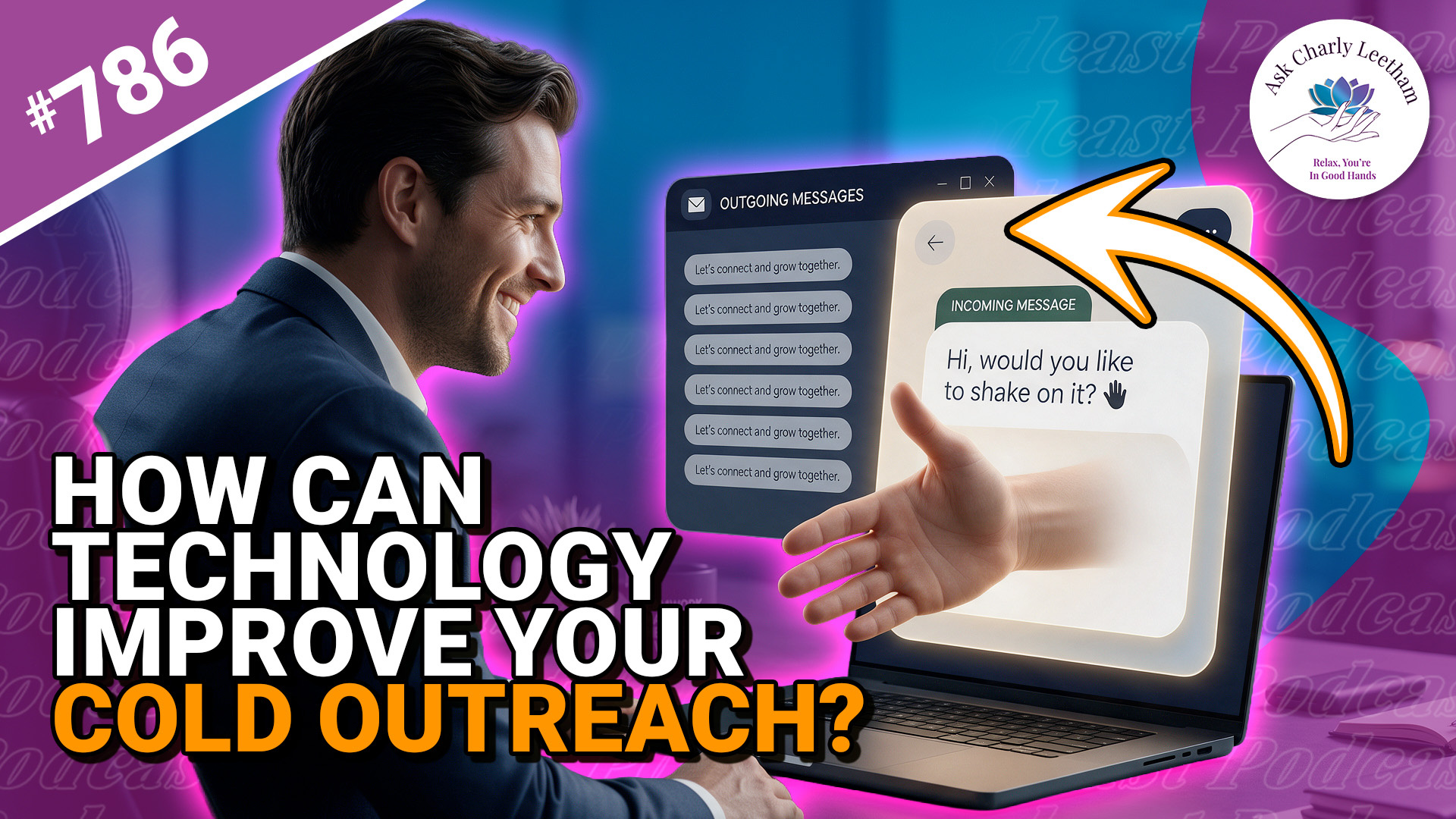
Cold contacting can bring new customers to your business, but how you approach someone can lose you the opportunity before they’ve even considered your service. Where does technology help, and how much of the conversation would you hand over to AI?
Charly has a few thoughts about cold contacting today:
✅ What the “LinkedIn Sales Pitch” actually does.
➡️ Why the relationship matters in selling.
⚡ How technology can aid the process as much as hinder it.
⭐ Why setting the objective for your first contact matters.
There are lessons here for business owners on both sides of a sales approach, along with ways to use technology to make cold contacting less stressful and, hopefully, more rewarding.
What do you or don't you like about a cold approach?
Book a Free 30 minute Breakthrough Session: https://askcharlyleetham.com/book-me
(1 per person only)
Follow us:
Locals: https://askcharlyleetham.locals.com
Rumble: https://rumble.com/askcharlyleetham
Odyssey: ...
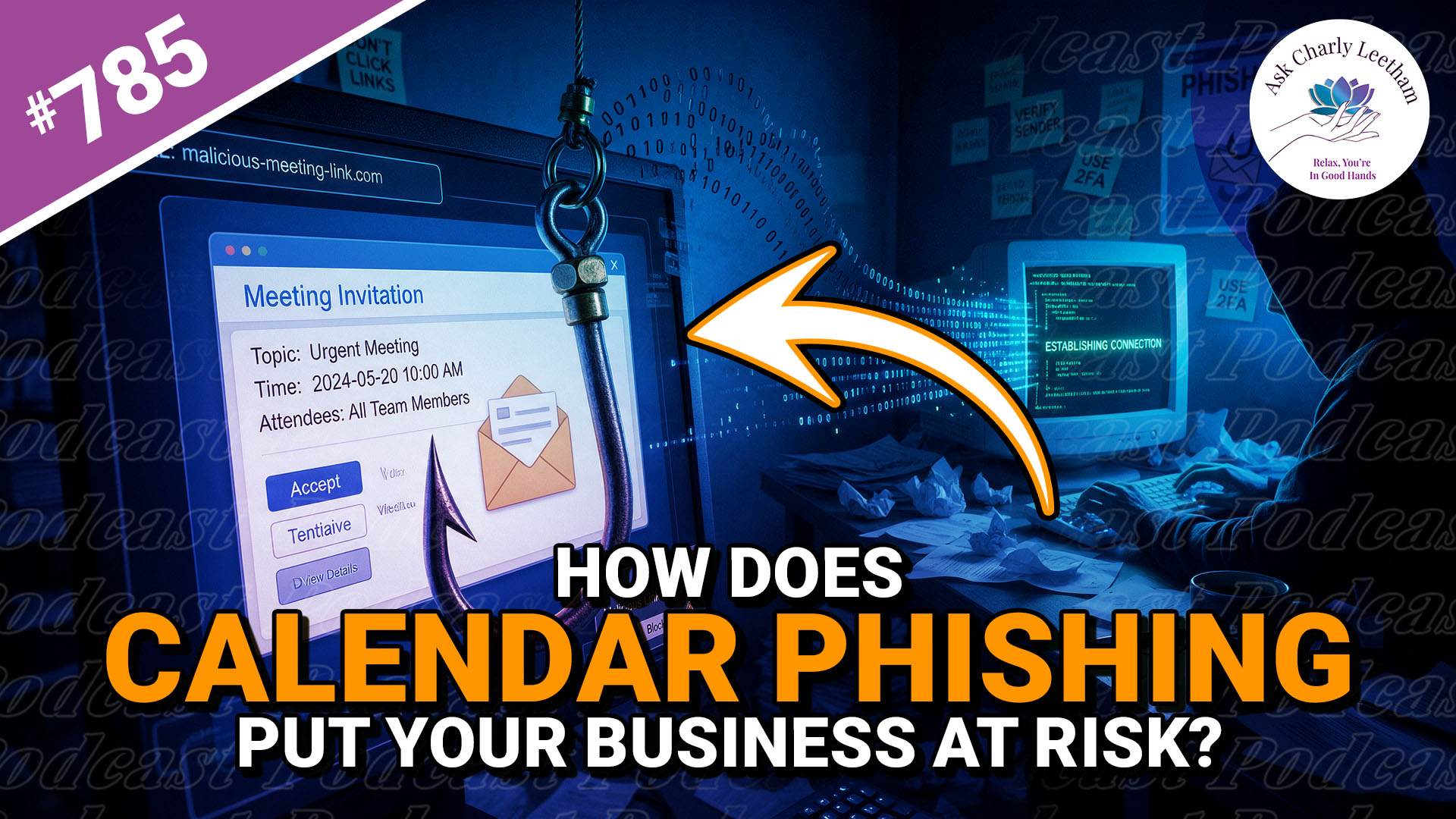
Calendar phishing is a real thing. A meeting invite from someone you don't know inviting you to something you've never heard of, appears in your inbox.
It also appears in your calendar - but you might miss that at first.
Calendar phishing is another form of phishing and it's something Business Owners should be aware of.
Charly discusses the process today:
✅ How does it end up in your calendar automatically?
➡️ Why use a Calendar Invite?
⚡ Why deleting the email might not be enough?
Join Charly for Firewall Friday. Are unsolicited invitations turning up in your business calendar?
Book a Free 30 minute Breakthrough Session: https://askcharlyleetham.com/book-me
(1 per person only)
Follow us:
Locals: https://askcharlyleetham.locals.com
Rumble: https://rumble.com/askcharlyleetham
Odyssey: https://odysee.com/@askcharlyleetham:4
YouTube: https://youtube.com/askcharlyleetham
Facebook: https://www.facebook.com/askcharlyleetham
Twitter: https://twitter.com/yourbizmgr
Instagram: ...