
We assist small businesses to define and refine their processes, plan and build their web presence using current and emerging technologies.
We provide ongoing support and advice to assist businesses to
maintain and grow a crucial path to market and focus on growing your business

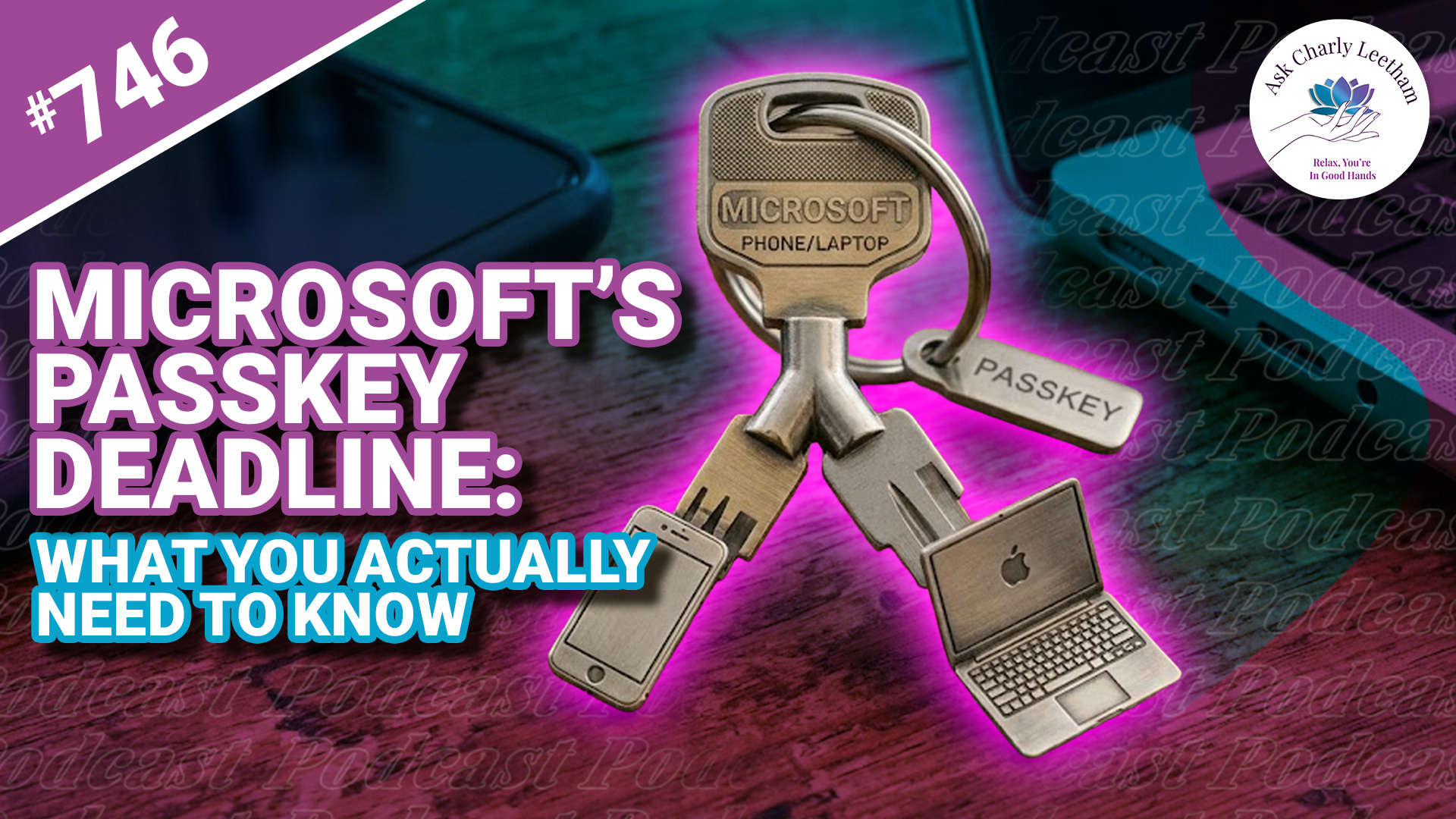
Microsoft is making changes on how you can authenticate your logins and recover your accounts. Part of that starts in September 2026, when the tech giant will strongly "encourage" its users to move to Passkey logins and eventually change the methods you can use to recover your account if you get logged out.
There are three deadlines between September 2026 and February 2027 all Microsoft users should be aware of.
Charly breaks it down in todays episode:
✅ The three deadlines and how they affect you
➡️ What to think about if you set a passkey, including the risks
⚡ Alternatives to passkeys
⭐ How to keep access to your Microsoft account
Sort your Microsoft account now, on your own terms, before the choice gets made for you.
Book a Free 30 minute Breakthrough Session: https://askcharlyleetham.com/book-me
(1 per person only)
Follow us:
Locals: https://askcharlyleetham.locals.com
Rumble: https://rumble.com/askcharlyleetham
Odyssey: https://odysee.com/@askcharlyleetham:4
YouTube: ...

Life is busy and there's just so many things to remember. What tools do you use to help you keep on top of ALL the things?
It's easy to react or respond quickly to messages and the like. It's better to do that mindfully. That's why I try to Practice The Pause.
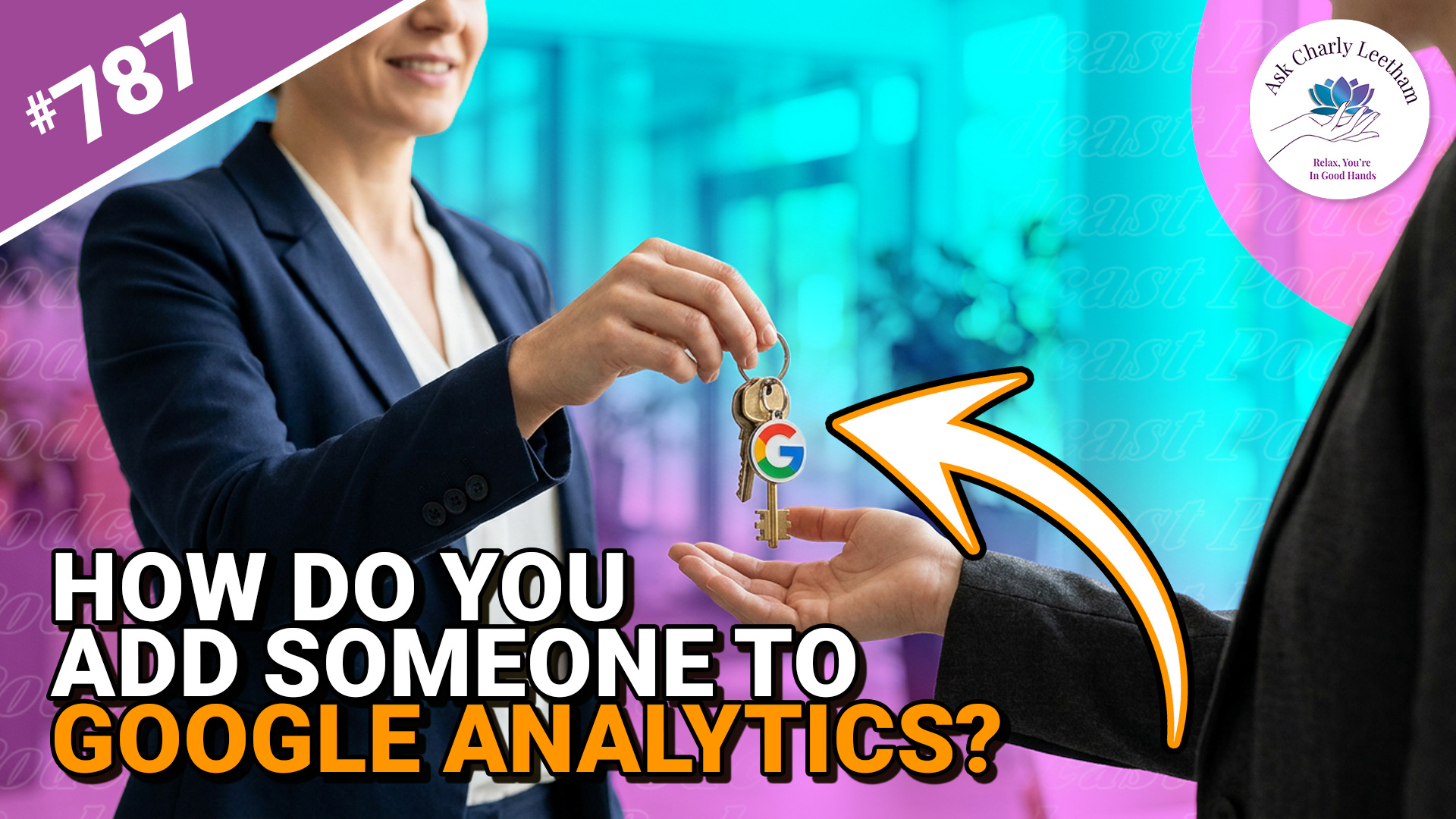
Your web support person or marketer needs access to Google Analytics. You can give them their own access without handing over your Google login.
In today’s Walkthrough Wednesday, Charly shows how to add someone and choose the access they need:
✅ There’s a difference between access to your account and access to your website property.
➡️ Helping with your website doesn’t automatically require full administrator access.
⚡ A backup administrator could help if you lose access to your main Google account.
It’s a useful part of managing who can access your business information.
Have you ever been asked to give someone access to Google Analytics?
Book a Free 30 minute Breakthrough Session: https://askcharlyleetham.com/book-me
(1 per person only)
Follow us:
Locals: https://askcharlyleetham.locals.com
Rumble: https://rumble.com/askcharlyleetham
Odyssey: https://odysee.com/@askcharlyleetham:4
YouTube: https://youtube.com/askcharlyleetham
Facebook: https://www.facebook.com/askcharlyleetham...
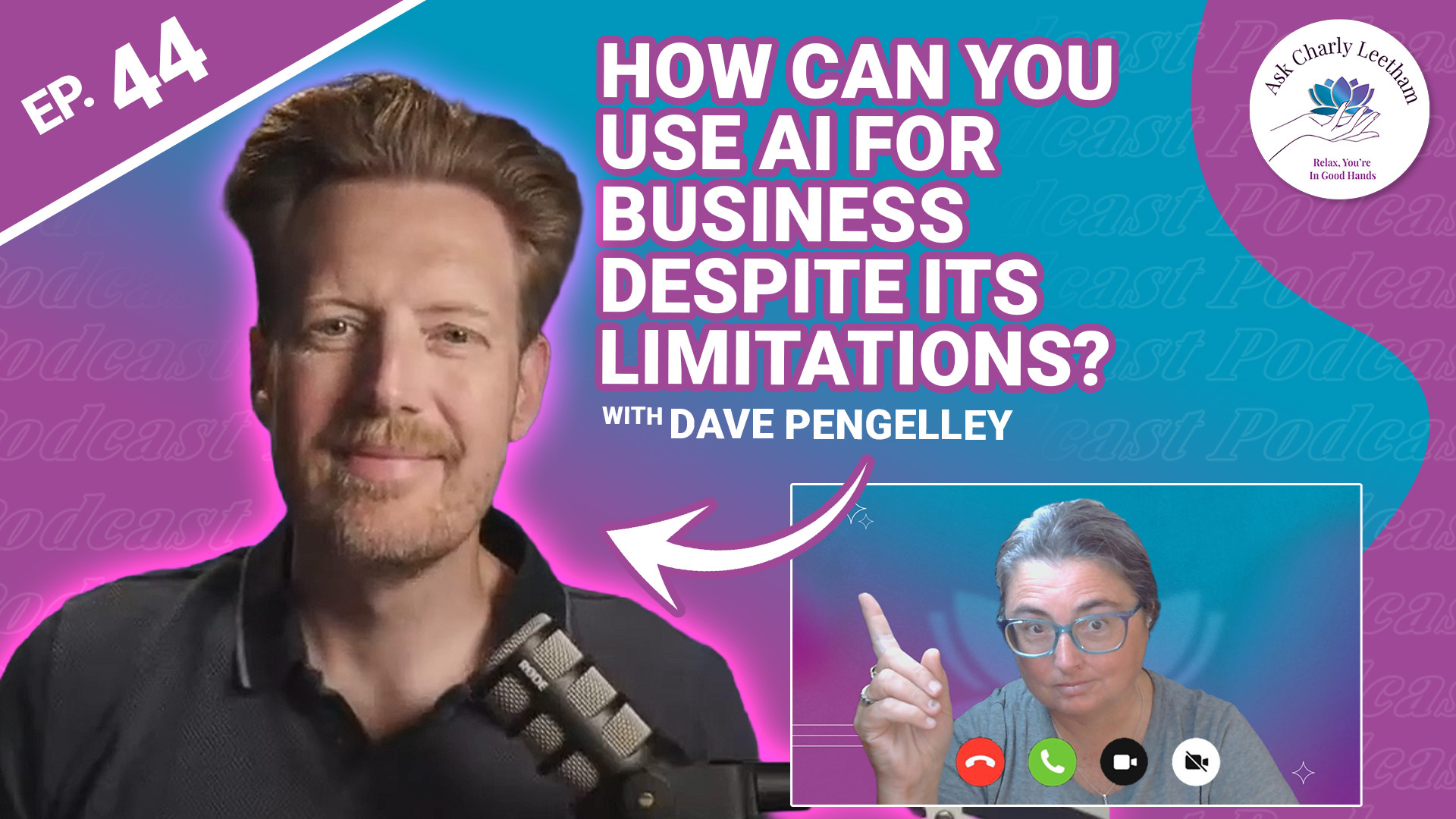
Experimenting with AI can help you find ways to make your business work better however, it's not without it's drawbacks. Knowing its limitations is essential, particularly if you’re asking it to do work you need to rely on.
Dave Pengelley, a technology adviser who spent a decade at Salesforce and now runs Valid Agenda, joins Charly to talk about what he's doing with AI and what he's learned along the way. There’s plenty of enthusiasm, some frustration and a shared interest in finding uses that deliver something worthwhile.
Their conversation raises some questions worth considering:
✅ Are you asking AI to interpret information or follow a process that needs the same result every time?
➡️ Is it helping you think through an idea, or just agreeing with whatever you say?
⚡ Have you saved yourself work, or created more things you need to check?
⭐ If you’ve saved time, could you finish earlier instead of taking on another task?
There are lessons for small business owners in being curious, testing ideas ...
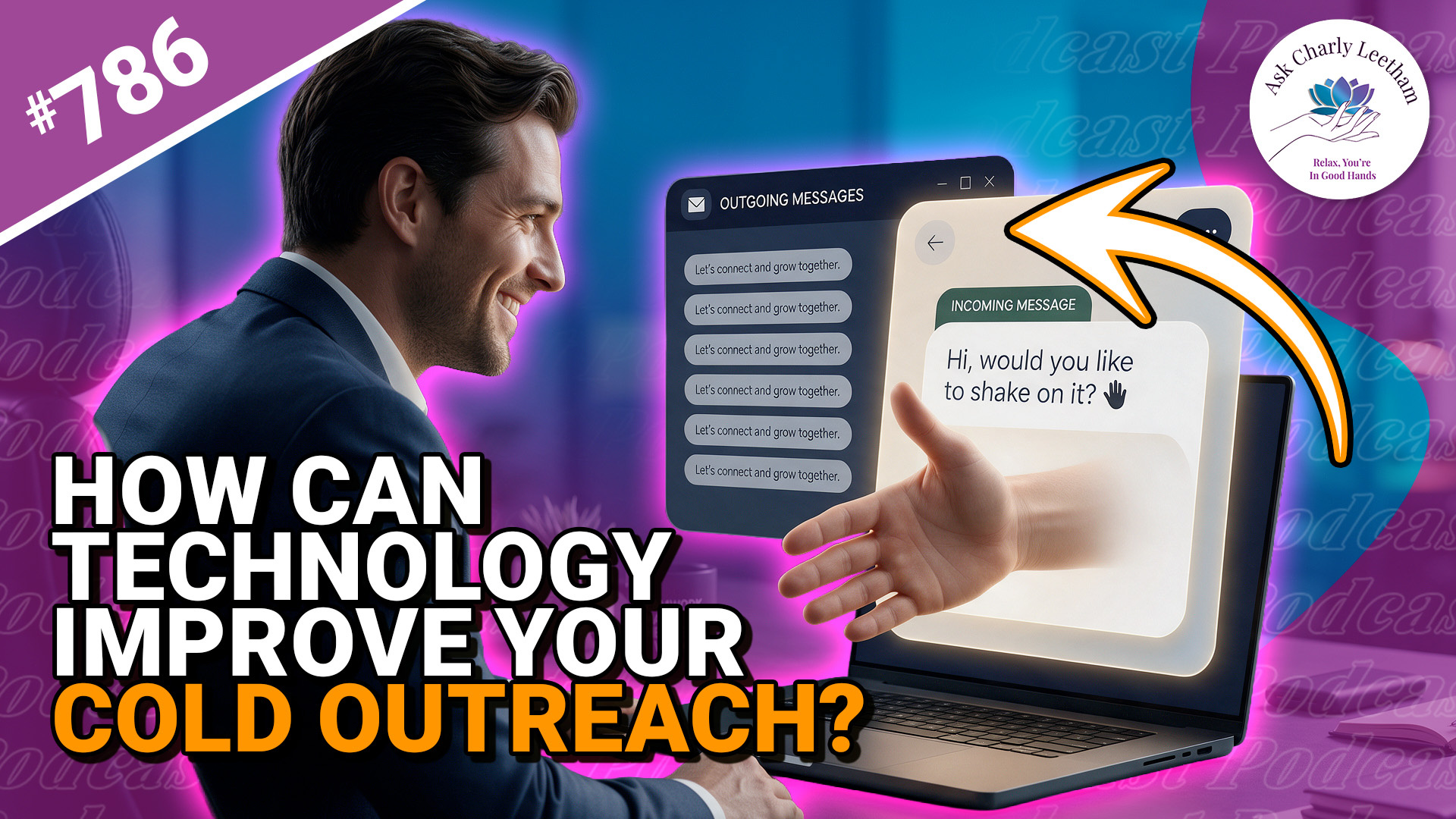
Cold contacting can bring new customers to your business, but how you approach someone can lose you the opportunity before they’ve even considered your service. Where does technology help, and how much of the conversation would you hand over to AI?
Charly has a few thoughts about cold contacting today:
✅ What the “LinkedIn Sales Pitch” actually does.
➡️ Why the relationship matters in selling.
⚡ How technology can aid the process as much as hinder it.
⭐ Why setting the objective for your first contact matters.
There are lessons here for business owners on both sides of a sales approach, along with ways to use technology to make cold contacting less stressful and, hopefully, more rewarding.
What do you or don't you like about a cold approach?
Book a Free 30 minute Breakthrough Session: https://askcharlyleetham.com/book-me
(1 per person only)
Follow us:
Locals: https://askcharlyleetham.locals.com
Rumble: https://rumble.com/askcharlyleetham
Odyssey: ...