
We assist small businesses to define and refine their processes, plan and build their web presence using current and emerging technologies.
We provide ongoing support and advice to assist businesses to
maintain and grow a crucial path to market and focus on growing your business

WordPress has had AI features added recently, but do you know the built-in tools that have been there all along? Understanding the basics could save you if AI misinterprets your prompts.
In this episode, Charly covers:
✅ How to change the number of items displayed per page using Screen Options
✅ Filtering posts by category to find what you need quickly
✅ Using Quick Edit to update a single post without opening the full editor
✅ Bulk Edit for changing categories, tags, author, comments, status and more across multiple posts at once
✅ How the same features work differently for Pages, Categories and Comments
✅ Why knowing these base functions is your safety net as AI becomes more prevalent in WordPress
These are the classic WordPress admin features that many site owners overlook, and they could be exactly what you need when something goes sideways.
Book a Free 30 minute Breakthrough Session: https://askcharlyleetham.com/book-me
(1 per person only)
Follow us:
Locals: https://askcharlyleetham.locals.com
Rumble: https://rumble.com/askcharlyleetham
Odyssey: https://odysee.com/@askcharlyleetham:4
YouTube: https://youtube.com/askcharlyleetham
Facebook: https://www.facebook.com/askcharlyleetham
Twitter: https://twitter.com/yourbizmgr
Instagram: https://instagram.com/ask_charly_leetham
LinkedIn: www.linkedin.com/in/charlyleetham
LinkedIn Company: https://www.linkedin.com/company/ask-charly-leetham/
Spotify: https://askcharlyleetham.com/likes/rise-and-shine
Apple Podcasts: https://podcasts.apple.com/us/podcast/ask-charly-leetham-online-business-manager/id1659738721
iHeartRadio: https://www.iheart.com/podcast/269-ask-charly-leetham-online-105944212/
Amazon Music: https://music.amazon.com/podcasts/662f1e44-115d-4094-862b-efe9307e0df4/ask-charly-leetham-online-business-manager
Music and Credits to:
Paradise Found is covered under Creative Commons.
“Paradise Found”
Kevin MacLeod (incompetech.com)
Licensed under Creative Commons: By Attribution 3.0
http://creativecommons.org/licenses/by/3.0/
https://incompetech.com/music/royalty-free/licenses/
https://rumble.com/v7b1nvc-do-you-know-how-to-bulk-edit-in-wordpress-2026727.html
Life is busy and there's just so many things to remember. What tools do you use to help you keep on top of ALL the things?
It's easy to react or respond quickly to messages and the like. It's better to do that mindfully. That's why I try to Practice The Pause.
Business systems are complex and when something goes wrong, trying to work out what it is and how to fix can be an exercise in futility. It becomes even more frustrating when there are multiple providers involved and each say their system is working correctly.
Todays episode discusses that and asks four questions:
✅ Why is it so difficult to identify where the problem sits?
➡️ What do you need to do?
⚡ How can you get out of the cycle?
⭐ What can the business do while the underlying problem is being resolved?
Have you got a technology problem that still exists because nobody can tell you where it sits?
Book a Free 30 minute Breakthrough Session: https://askcharlyleetham.com/book-me
(1 per person only)
Follow us:
Locals: https://askcharlyleetham.locals.com
Rumble: https://rumble.com/askcharlyleetham
Odyssey: https://odysee.com/@askcharlyleetham:4
YouTube: https://youtube.com/askcharlyleetham
Facebook: https://www.facebook.com/askcharlyleetham
Twitter: ...


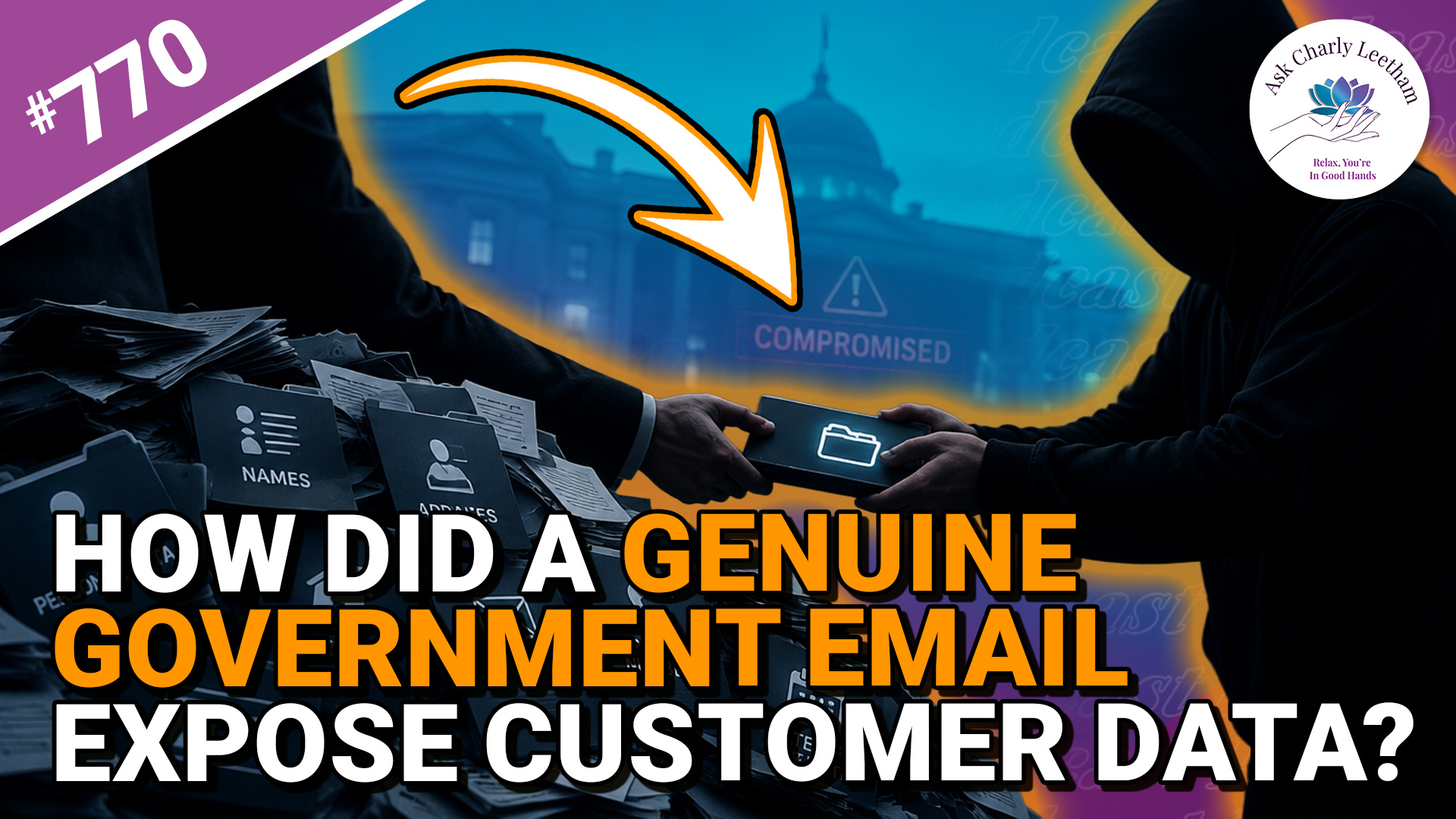
Revolut handed approximately 680 customers’ personal information to a bad actor after receiving requests from a compromised Italian government account that appeared lawful.
It appears the company wasn’t hacked, and the emails passed the checks designed to confirm where they came from. Today's episode discusses:
✅ Why Revolut handed the information over
➡️ The legal and regulatory environment that set the incident up
⚡ What it means for the security and privacy of information businesses are required to collect
⭐ What small businesses need to take from it
There are lessons here for businesses, particularly those now covered by expanded Australian anti-money laundering requirements.
If your business collects sensitive customer information, find out what this incident means for you.
Book a Free 30 minute Breakthrough Session: https://askcharlyleetham.com/book-me
(1 per person only)
Follow us:
Locals: https://askcharlyleetham.locals.com
Rumble: https://rumble.com/askcharlyleetham
...
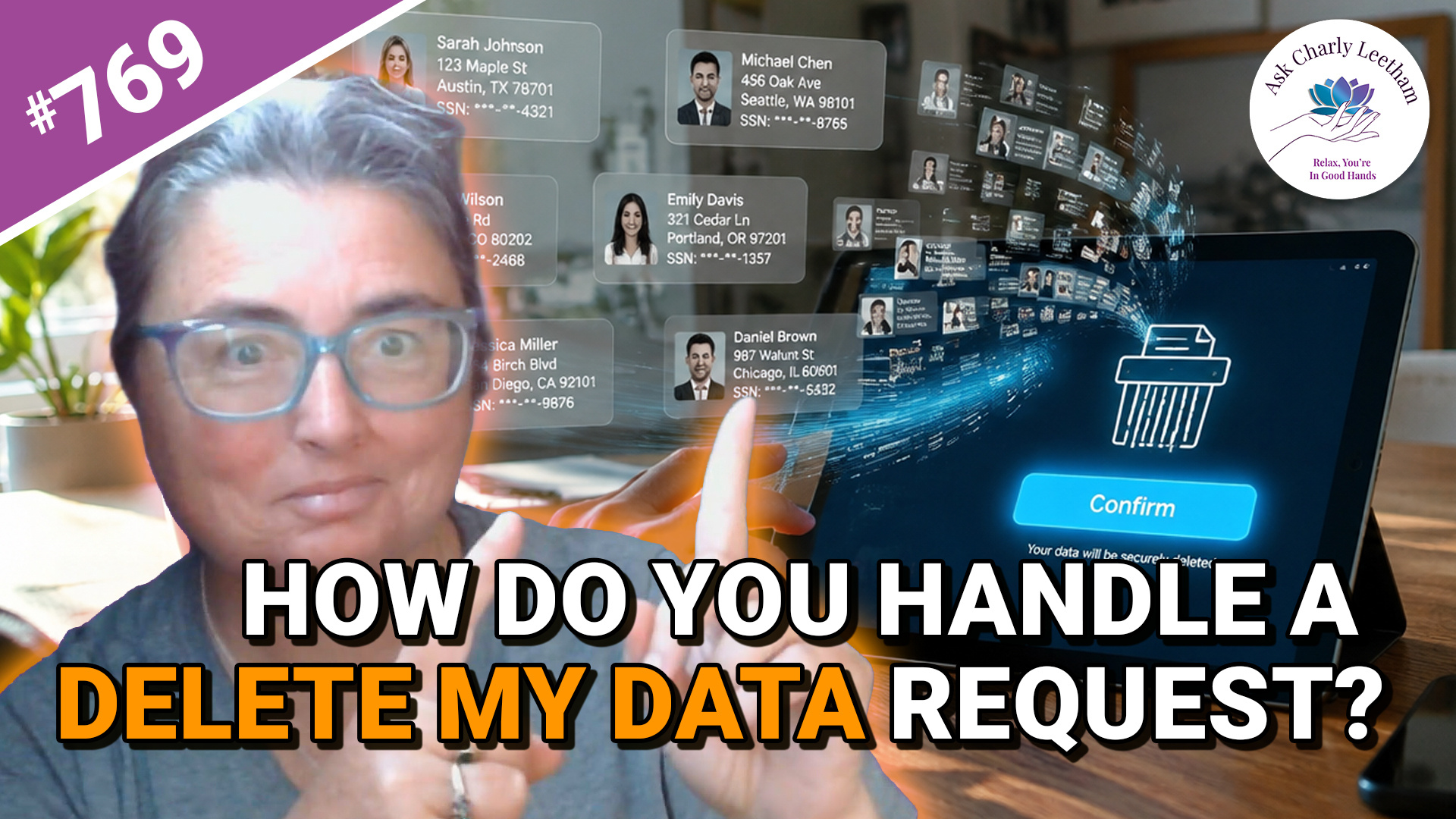
WordPress website holds about them, do you know what to do?
WordPress has built-in privacy tools for handling these requests, including confirming who's making the request before you hand over or erase their information. In this walkthrough, you'll see the process from both sides:
✅ What the person requesting their data sees
➡️ How WordPress confirms the request before you action it
⚡ What information WordPress includes in the personal data export
⭐ What happens to their information after the erasure is completed
Privacy administration might be tedious, but knowing how to handle a request properly is worthwhile for a business owner.
Follow the process from the initial request through to the final erasure, and see exactly what WordPress does along the way.
Book a Free 30 minute Breakthrough Session: https://askcharlyleetham.com/book-me
(1 per person only)
Follow us:
Locals: https://askcharlyleetham.locals.com
Rumble: https://rumble.com/askcharlyleetham
Odyssey: ...