
We assist small businesses to define and refine their processes, plan and build their web presence using current and emerging technologies.
We provide ongoing support and advice to assist businesses to
maintain and grow a crucial path to market and focus on growing your business

Have you ever switched devices and thought you lost access to a file someone shared with you in Google Drive? If you can log into your Google account, you can find it - you just need to know where to look.
In this episode, Charly covers:
✅ How to find files in the Shared With Me section of Google Drive
➡️ How to add shortcuts so shared files appear in your own folders
⚡ Using starred folders and colour coding to stay organised
⭐ How to use advanced search to find files by type, owner, or content
✨ How to check file details, activity history, and manage versions
❗ Why versioning keeps your documents organised and avoids duplicate files
If you spend time hunting for documents in Google Drive, these tips will save you time and keep your files in order.
Book a Free 30 minute Breakthrough Session: https://askcharlyleetham.com/book-me
(1 per person only)
Follow us:
Locals: https://askcharlyleetham.locals.com
Rumble: https://rumble.com/askcharlyleetham
Odyssey: https://odysee.com/@askcharlyleetham:4
YouTube: https://youtube.com/askcharlyleetham
Facebook: https://www.facebook.com/askcharlyleetham
Twitter: https://twitter.com/yourbizmgr
Instagram: https://instagram.com/ask_charly_leetham
LinkedIn: www.linkedin.com/in/charlyleetham
LinkedIn Company: https://www.linkedin.com/company/ask-charly-leetham/
Spotify: https://askcharlyleetham.com/likes/rise-and-shine
Apple Podcasts: https://podcasts.apple.com/us/podcast/ask-charly-leetham-online-business-manager/id1659738721
iHeartRadio: https://www.iheart.com/podcast/269-ask-charly-leetham-online-105944212/
Amazon Music: https://music.amazon.com/podcasts/662f1e44-115d-4094-862b-efe9307e0df4/ask-charly-leetham-online-business-manager
Music and Credits to:
Paradise Found is covered under Creative Commons.
“Paradise Found”
Kevin MacLeod (incompetech.com)
Licensed under Creative Commons: By Attribution 3.0
http://creativecommons.org/licenses/by/3.0/
https://incompetech.com/music/royalty-free/licenses/
https://rumble.com/v7a2him-how-do-you-find-shared-files-in-google-drive-2026718.html
Life is busy and there's just so many things to remember. What tools do you use to help you keep on top of ALL the things?
It's easy to react or respond quickly to messages and the like. It's better to do that mindfully. That's why I try to Practice The Pause.
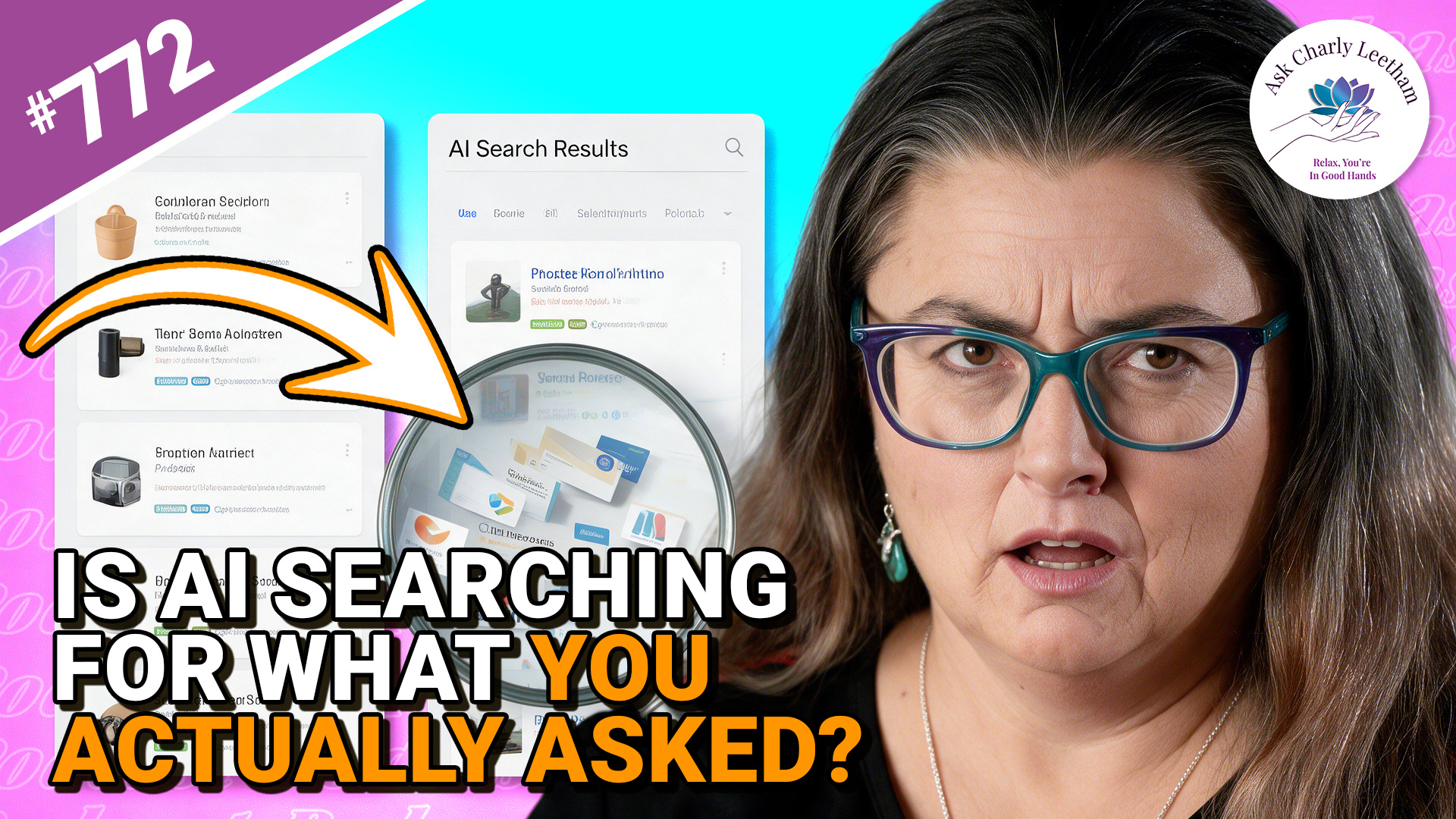
Do you use your AI Chat as a glorified search engine? Many of us do because it's an effective way to collate data and analyse it. What happens when you ask for information, your AI "interprets" the request differently and presents you with a confident answer?
That's what Charly discusses in todays episode.
✅ A confident answer can still be answering the wrong question
➡️ The shortlist may have been narrowed before you ever see it
⚡ Checking what the AI searched for can be as important as checking its answer
When you ask AI to search the web, how certain are you that it’s searching for what you asked? The answer may look convincing, yet the search behind it can take your request somewhere you never intended.
There's an interesting lesson here for Business Owners.
Book a Free 30 minute Breakthrough Session: https://askcharlyleetham.com/book-me
(1 per person only)
Follow us:
Locals: https://askcharlyleetham.locals.com
Rumble: https://rumble.com/askcharlyleetham
Odyssey: ...

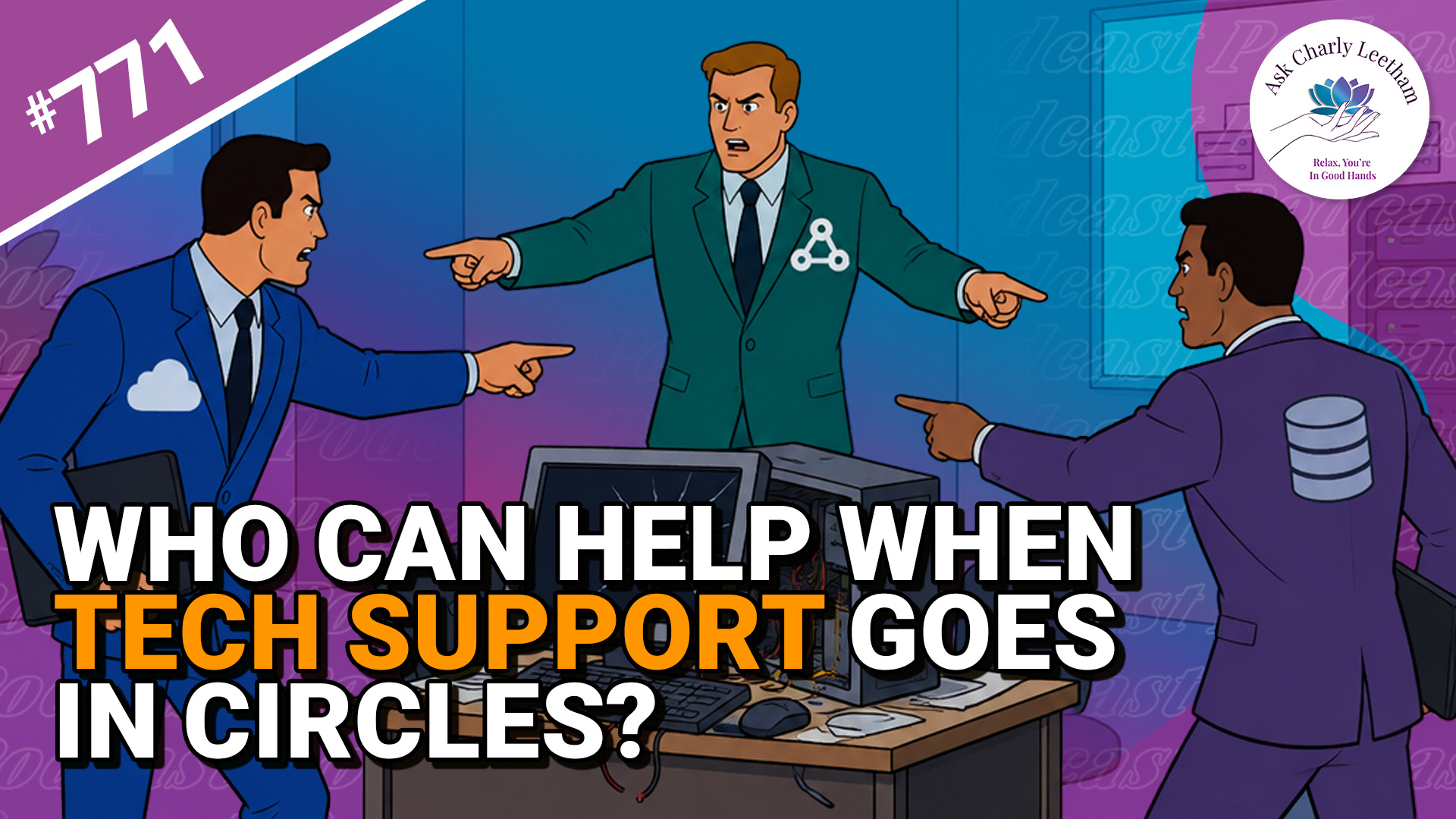
Business systems are complex and when something goes wrong, trying to work out what it is and how to fix can be an exercise in futility. It becomes even more frustrating when there are multiple providers involved and each say their system is working correctly.
Todays episode discusses that and asks four questions:
✅ Why is it so difficult to identify where the problem sits?
➡️ What do you need to do?
⚡ How can you get out of the cycle?
⭐ What can the business do while the underlying problem is being resolved?
Have you got a technology problem that still exists because nobody can tell you where it sits?
Book a Free 30 minute Breakthrough Session: https://askcharlyleetham.com/book-me
(1 per person only)
Follow us:
Locals: https://askcharlyleetham.locals.com
Rumble: https://rumble.com/askcharlyleetham
Odyssey: https://odysee.com/@askcharlyleetham:4
YouTube: https://youtube.com/askcharlyleetham
Facebook: https://www.facebook.com/askcharlyleetham
Twitter: ...
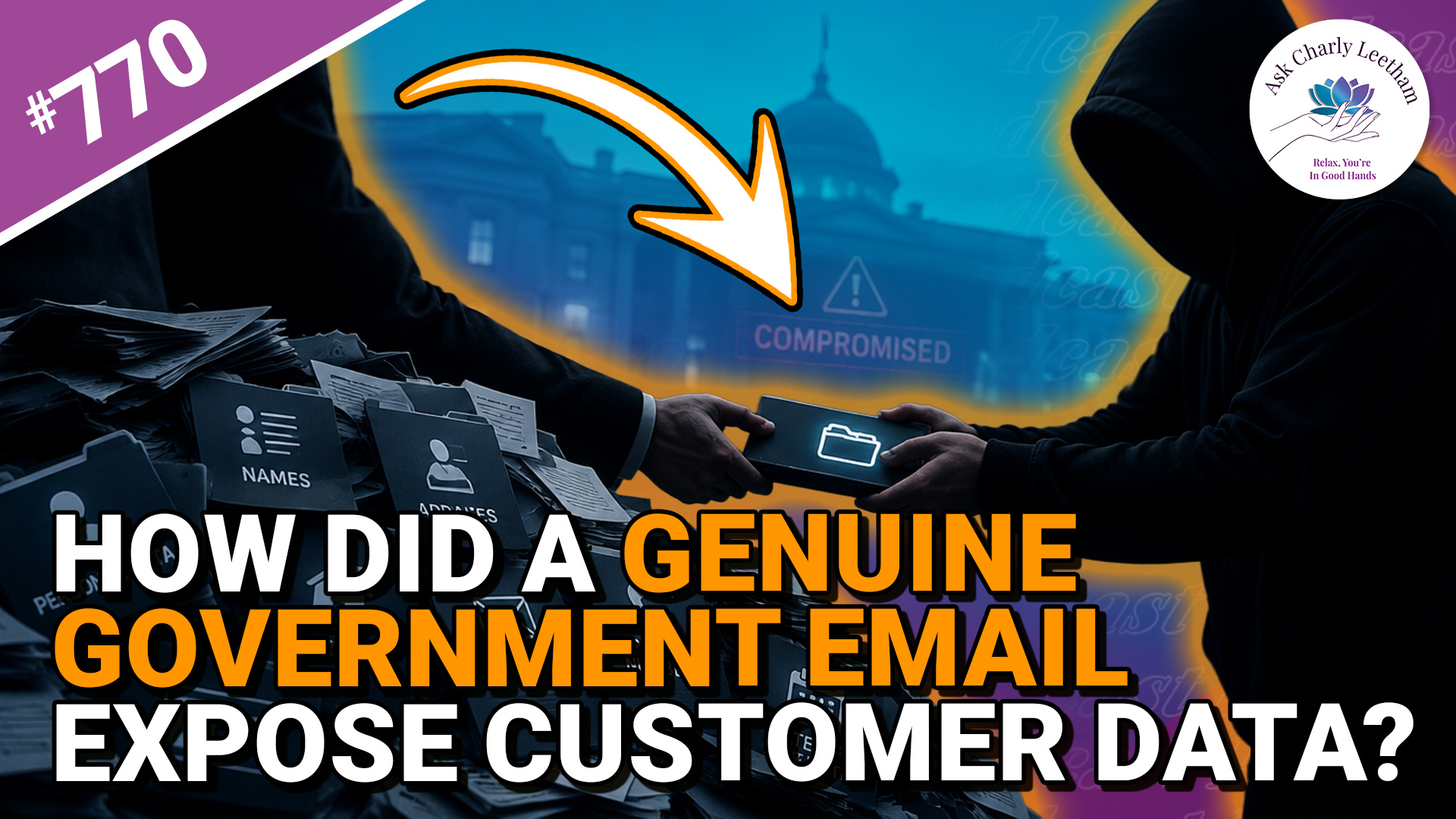
Revolut handed approximately 680 customers’ personal information to a bad actor after receiving requests from a compromised Italian government account that appeared lawful.
It appears the company wasn’t hacked, and the emails passed the checks designed to confirm where they came from. Today's episode discusses:
✅ Why Revolut handed the information over
➡️ The legal and regulatory environment that set the incident up
⚡ What it means for the security and privacy of information businesses are required to collect
⭐ What small businesses need to take from it
There are lessons here for businesses, particularly those now covered by expanded Australian anti-money laundering requirements.
If your business collects sensitive customer information, find out what this incident means for you.
Book a Free 30 minute Breakthrough Session: https://askcharlyleetham.com/book-me
(1 per person only)
Follow us:
Locals: https://askcharlyleetham.locals.com
Rumble: https://rumble.com/askcharlyleetham
...