
We assist small businesses to define and refine their processes, plan and build their web presence using current and emerging technologies.
We provide ongoing support and advice to assist businesses to
maintain and grow a crucial path to market and focus on growing your business

Customers assume your website information is accurate. When your site displays standard operating hours during holiday closures or reduced schedules, you create frustration, damage trust, and risk negative reviews. People arrive at closed shopfronts, encounter unanswered phones, or receive no email responses because they relied on outdated website information. Automating your holiday hours across all touchpoints prevents these problems whilst saving you from last-minute scrambles.
In this episode, Charly covers:
✅ Where to update holiday hours for maximum visibility and impact
📌 Automating schedule changes on WordPress, Shopify, and Squarespace sites
🔗 Using Google Business Profile to update maps and search results automatically
✅ Coordinating auto-responders, voicemail, and contact form messages
📌 Scheduling announcement banners to display and remove automatically
🛡️ Planning welcome-back messages now to save time when you return
The consequences of incorrect business hours extend beyond inconvenience. Customers who encounter closed businesses after your website indicated you were open often leave negative reviews, contact competitors, or simply lose trust in your reliability. Meanwhile, you can automate most of these updates using built-in features in page builders like Elementor, Thrive, and Beaver Builder, or platform-specific tools in Shopify and Squarespace. For WordPress sites, scheduling plugins exist but should be used cautiously to avoid plugin bloat. The episode covers practical automation strategies alongside manual backup plans to ensure your hours stay accurate without requiring constant attention during your busiest period.
Links
Join the discussion in my community: https://askcharlyleetham.locals.com
Follow us:
Locals: https://askcharlyleetham.locals.com
Rumble: https://rumble.com/askcharlyleetham
Odyssey: https://odysee.com/@askcharlyleetham:4
YouTube: https://youtube.com/askcharlyleetham
Facebook: https://www.facebook.com/askcharlyleetham
Twitter: https://twitter.com/yourbizmgr
Instagram: https://instagram.com/ask_charly_leetham
LinkedIn: www.linkedin.com/in/charlyleetham
LinkedIn Company: https://www.linkedin.com/company/ask-charly-leetham/
Spotify: https://askcharlyleetham.com/likes/rise-and-shine
Apple Podcasts: https://podcasts.apple.com/us/podcast/ask-charly-leetham-online-business-manager/id1659738721
iHeartRadio: https://www.iheart.com/podcast/269-ask-charly-leetham-online-105944212/
Amazon Music: https://music.amazon.com/podcasts/662f1e44-115d-4094-862b-efe9307e0df4/ask-charly-leetham-online-business-manager
Music and Credits to:
Paradise Found is covered under Creative Commons.
"Paradise Found"
Kevin MacLeod (incompetech.com)
Licensed under Creative Commons: By Attribution 3.0
http://creativecommons.org/licenses/by/3.0/
https://incompetech.com/music/royalty-free/licenses/
https://rumble.com/v71vcn2-how-do-you-automate-holiday-hours-on-your-website-2025639.html
Life is busy and there's just so many things to remember. What tools do you use to help you keep on top of ALL the things?
It's easy to react or respond quickly to messages and the like. It's better to do that mindfully. That's why I try to Practice The Pause.
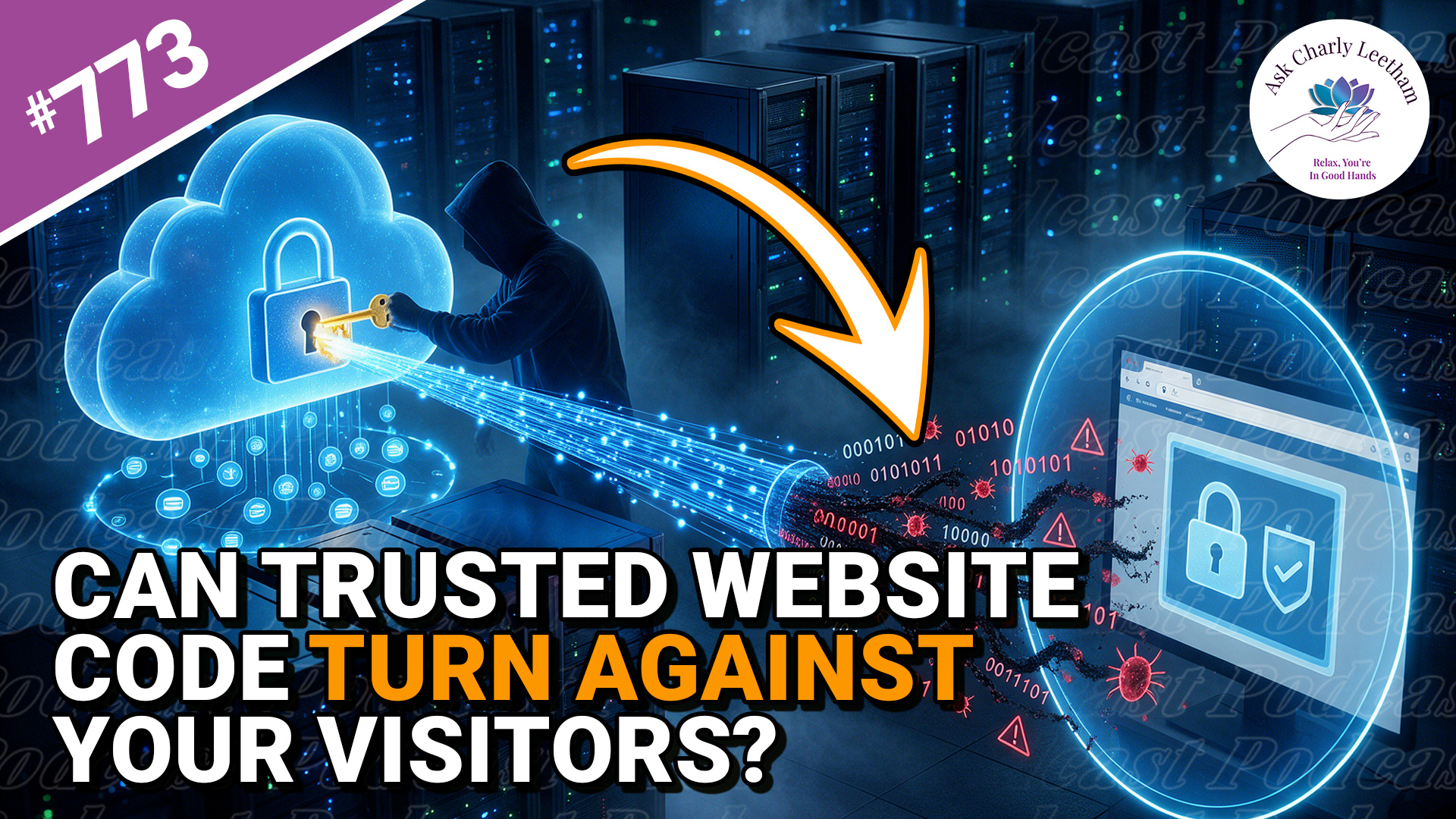
Your website can be secure, fully updated and working exactly as expected, while code from a trusted supplier puts your visitors at risk.
That’s what happened when an exposed API key allowed Brevo, the service behind marketing forms, website tracking and customer chat on more than 100,000 websites, to be compromised. Visitors loaded the attackers’ code directly into their browsers, and anyone logged into WordPress as an administrator faced an additional risk.
Charly discusses the compromise and what business owners should consider
✅ What do you do need to think about when a compromise occurs?
➡️ What you need to do if a supplier causes a compromise on your site?
⚡ Can you keep your website safe?
If your website uses externally provided apps, forms, chat, tracking or plugins, you’re trusting more than your own website security.
Book a Free 30 minute Breakthrough Session: https://askcharlyleetham.com/book-me
(1 per person only)
Follow us:
Locals: https://askcharlyleetham.locals.com
...

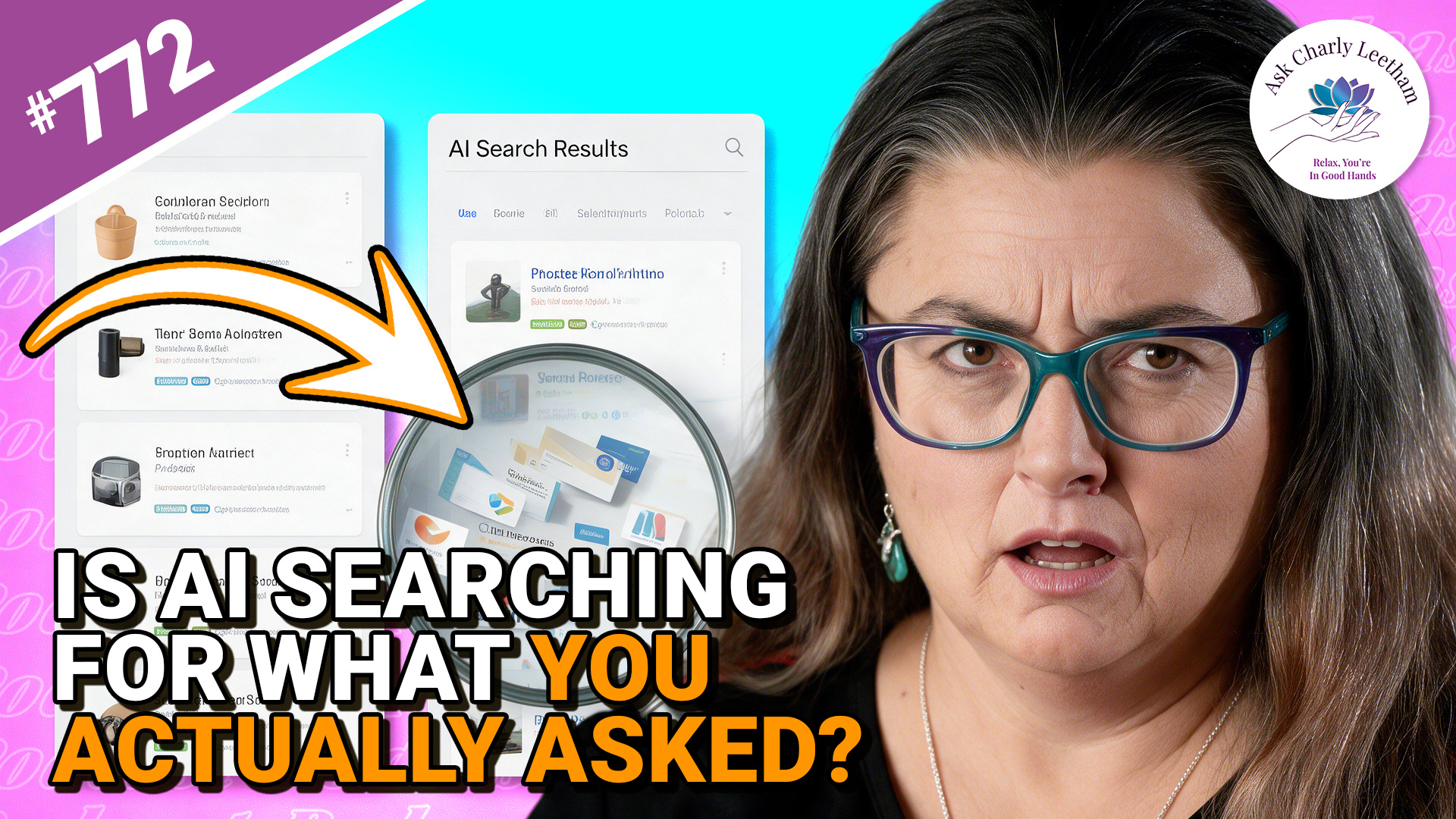
Do you use your AI Chat as a glorified search engine? Many of us do because it's an effective way to collate data and analyse it. What happens when you ask for information, your AI "interprets" the request differently and presents you with a confident answer?
That's what Charly discusses in todays episode.
✅ A confident answer can still be answering the wrong question
➡️ The shortlist may have been narrowed before you ever see it
⚡ Checking what the AI searched for can be as important as checking its answer
When you ask AI to search the web, how certain are you that it’s searching for what you asked? The answer may look convincing, yet the search behind it can take your request somewhere you never intended.
There's an interesting lesson here for Business Owners.
Book a Free 30 minute Breakthrough Session: https://askcharlyleetham.com/book-me
(1 per person only)
Follow us:
Locals: https://askcharlyleetham.locals.com
Rumble: https://rumble.com/askcharlyleetham
Odyssey: ...
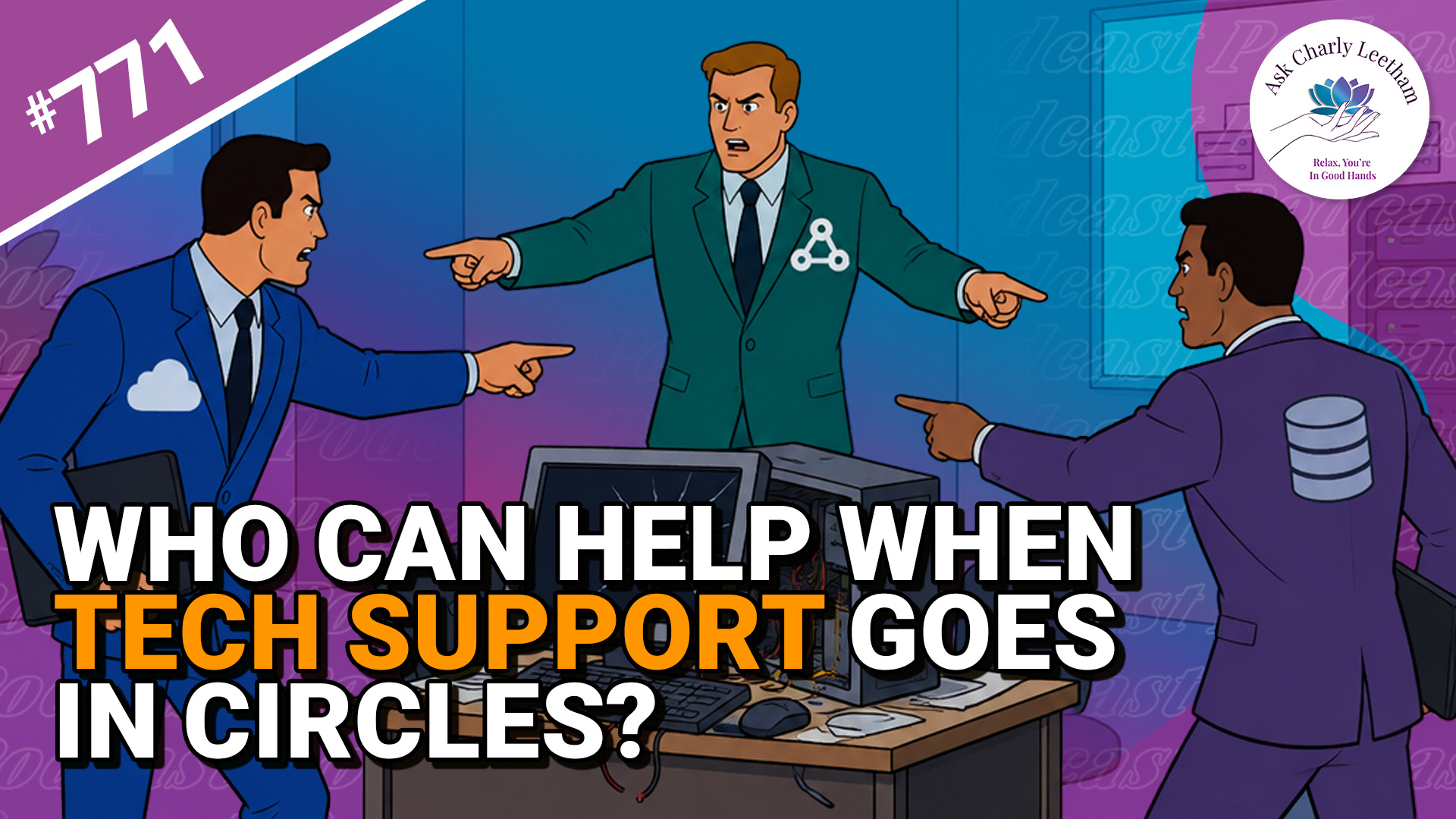
Business systems are complex and when something goes wrong, trying to work out what it is and how to fix can be an exercise in futility. It becomes even more frustrating when there are multiple providers involved and each say their system is working correctly.
Todays episode discusses that and asks four questions:
✅ Why is it so difficult to identify where the problem sits?
➡️ What do you need to do?
⚡ How can you get out of the cycle?
⭐ What can the business do while the underlying problem is being resolved?
Have you got a technology problem that still exists because nobody can tell you where it sits?
Book a Free 30 minute Breakthrough Session: https://askcharlyleetham.com/book-me
(1 per person only)
Follow us:
Locals: https://askcharlyleetham.locals.com
Rumble: https://rumble.com/askcharlyleetham
Odyssey: https://odysee.com/@askcharlyleetham:4
YouTube: https://youtube.com/askcharlyleetham
Facebook: https://www.facebook.com/askcharlyleetham
Twitter: ...