
We assist small businesses to define and refine their processes, plan and build their web presence using current and emerging technologies.
We provide ongoing support and advice to assist businesses to
maintain and grow a crucial path to market and focus on growing your business

November is the perfect window to audit your website before the holiday chaos begins. Whilst things are still relatively calm, you have time to catch outdated information, test broken features, and ensure your site accurately reflects what your business offers right now rather than six months ago. Waiting until December means customers will encounter incorrect business hours, disconnected contact forms, or outdated service information during your busiest period.
In this episode, Charly covers:
✅ Essential website checks before the holiday rush begins
📌 Updating business hours, contact details, and service information
🔗 Testing contact forms, booking links, and embedded content
✅ Reviewing team pages, legal information, and privacy policies
📌 Checking for discontinued products and outdated social media icons
🛡️ Testing your site as a first-time visitor to spot usability issues
Small businesses often forget that their websites drift out of date. Staff members leave but contact forms still route to their old email addresses. Newsletter widgets point to abandoned email platforms. Business hours reflect pre-holiday schedules. Team photos show people who departed months ago. These problems compound during peak periods when new customers are actively researching your business. A quick site audit now prevents embarrassing discoveries when traffic spikes. This episode walks through the visible updates and invisible technical checks that ensure your website presents a current, professional image throughout the holiday season.
Links
Join the discussion in my community: https://askcharlyleetham.locals.com
Follow us:
Locals: https://askcharlyleetham.locals.com
Rumble: https://rumble.com/askcharlyleetham
Odyssey: https://odysee.com/@askcharlyleetham:4
YouTube: https://youtube.com/askcharlyleetham
Facebook: https://www.facebook.com/askcharlyleetham
Twitter: https://twitter.com/yourbizmgr
Instagram: https://instagram.com/ask_charly_leetham
LinkedIn: www.linkedin.com/in/charlyleetham
LinkedIn Company: https://www.linkedin.com/company/ask-charly-leetham/
Spotify: https://askcharlyleetham.com/likes/rise-and-shine
Apple Podcasts: https://podcasts.apple.com/us/podcast/ask-charly-leetham-online-business-manager/id1659738721
iHeartRadio: https://www.iheart.com/podcast/269-ask-charly-leetham-online-105944212/
Amazon Music: https://music.amazon.com/podcasts/662f1e44-115d-4094-862b-efe9307e0df4/ask-charly-leetham-online-business-manager
Music and Credits to:
Paradise Found is covered under Creative Commons.
"Paradise Found"
Kevin MacLeod (incompetech.com)
Licensed under Creative Commons: By Attribution 3.0
http://creativecommons.org/licenses/by/3.0/
https://incompetech.com/music/royalty-free/licenses/
https://rumble.com/v71s7us-is-your-website-ready-for-the-holiday-rush-2025638.html
Life is busy and there's just so many things to remember. What tools do you use to help you keep on top of ALL the things?
It's easy to react or respond quickly to messages and the like. It's better to do that mindfully. That's why I try to Practice The Pause.
A small hardware store facing a new Bunnings across the road went on to have the biggest two years of its owner’s career. It didn't try to win by lowering its prices, the owner changed the game.
Direct response marketer John Dwyer joins Charly to share practical campaigns that helped smaller businesses attract leads and compete without discounting:
✅ A value-added incentive gave customers a reason to choose the local hardware store over Bunnings
➡️ A Facebook contest generated 917 leads for a water filtration business in its first week
⚡ A restaurant built a database of 90,000 people and used it to fill otherwise empty tables
⭐ Matching the offer to the right audience helped turn promotions into genuine sales opportunities
There are plenty of ideas here for business owners who need to stand out without becoming the cheapest option.
What could your business offer that would take the customer’s attention away from price?
Main website - https://theinstituteofwow.com
Vacations Incentive - ...


You’ve fixed an image on your website, shared the page again, and Facebook is still showing the old one. The Facebook Sharing Debugger can help you find out what Facebook sees when it reads your page.
Charly walks through a real page to show you:
✅ Why changing an image on your website may leave the Facebook preview unchanged.
➡️ What the debugger can reveal about the page you're trying to share.
⚡ How to check the preview Facebook will use before you share the link again.
If you share pages from your business website, it’s useful to know where to look when the preview doesn’t match what’s on the page.
Has Facebook ever kept showing an old image after you’d changed it?
Book a Free 30 minute Breakthrough Session: https://askcharlyleetham.com/book-me
(1 per person only)
Follow us:
Locals: https://askcharlyleetham.locals.com
Rumble: https://rumble.com/askcharlyleetham
Odyssey: https://odysee.com/@askcharlyleetham:4
YouTube: https://youtube.com/askcharlyleetham
Facebook: ...
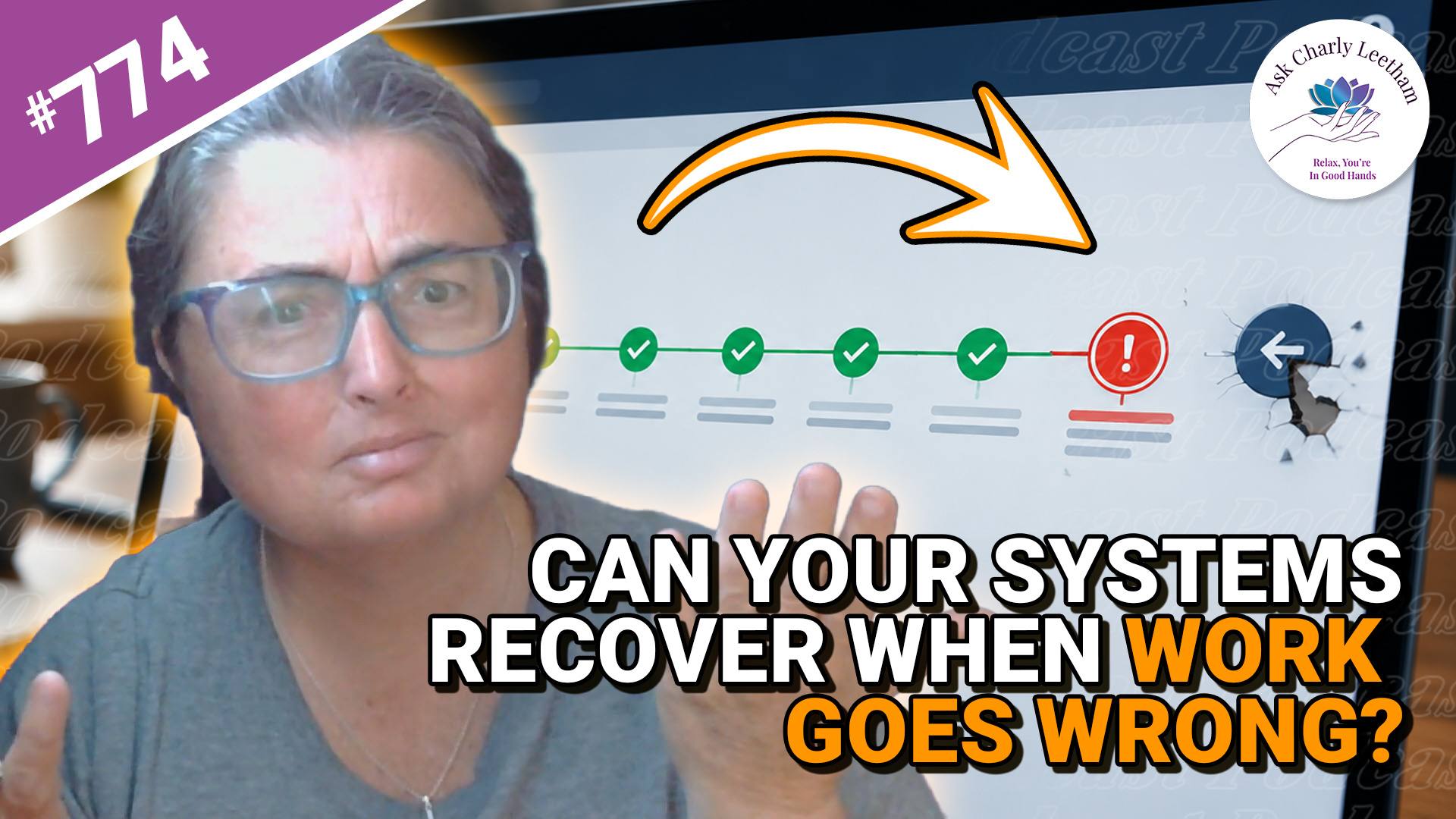
A system can handle routine work every day and still leave your business struggling when something goes wrong.
A duplicate payment, an unusual refund or a failed connection between systems can interrupt the usual process. That’s when you find out how much your technology can help your team recover:
✅ Why routine success can give you a false sense of reliability.
➡️ What staff need to know before they can finish interrupted work.
⚡ Why a single exception may take longer to fix than the original transaction.
⭐ Why rare problems can become a regular cost as the business grows.
Book a Free 30 minute Breakthrough Session: https://askcharlyleetham.com/book-me
(1 per person only)
Follow us:
Locals: https://askcharlyleetham.locals.com
Rumble: https://rumble.com/askcharlyleetham
Odyssey: https://odysee.com/@askcharlyleetham:4
YouTube: https://youtube.com/askcharlyleetham
Facebook: https://www.facebook.com/askcharlyleetham
Twitter: https://twitter.com/yourbizmgr
Instagram: ...