
We assist small businesses to define and refine their processes, plan and build their web presence using current and emerging technologies.
We provide ongoing support and advice to assist businesses to
maintain and grow a crucial path to market and focus on growing your business

🌟 Why Every Small Business Needs a Professional Website! 🌟
In this episode, we delve into why having a professional website is crucial for small businesses. Discover how a well-designed site can make a lasting first impression, provide 24/7 accessibility, and give you a competitive edge. Learn why customers expect a digital presence and how your website can serve as a cost-effective marketing tool and central hub for all your business information.
🌟 Key Takeaways:
First Impressions Matter: Make a lasting impact with a professional design.
Stay Accessible: Keep your business open 24/7 with an online presence.
Gain a Competitive Edge: Stand out from competitors with a well-maintained site.
Meet Customer Expectations: Don’t lose credibility—ensure you have a website.
Cost-Effective Marketing: Showcase your products, share updates, and engage with customers.
Central Hub for Information: Keep all your business details in one accessible place.
Join the discussion: ...
Life is busy and there's just so many things to remember. What tools do you use to help you keep on top of ALL the things?
It's easy to react or respond quickly to messages and the like. It's better to do that mindfully. That's why I try to Practice The Pause.
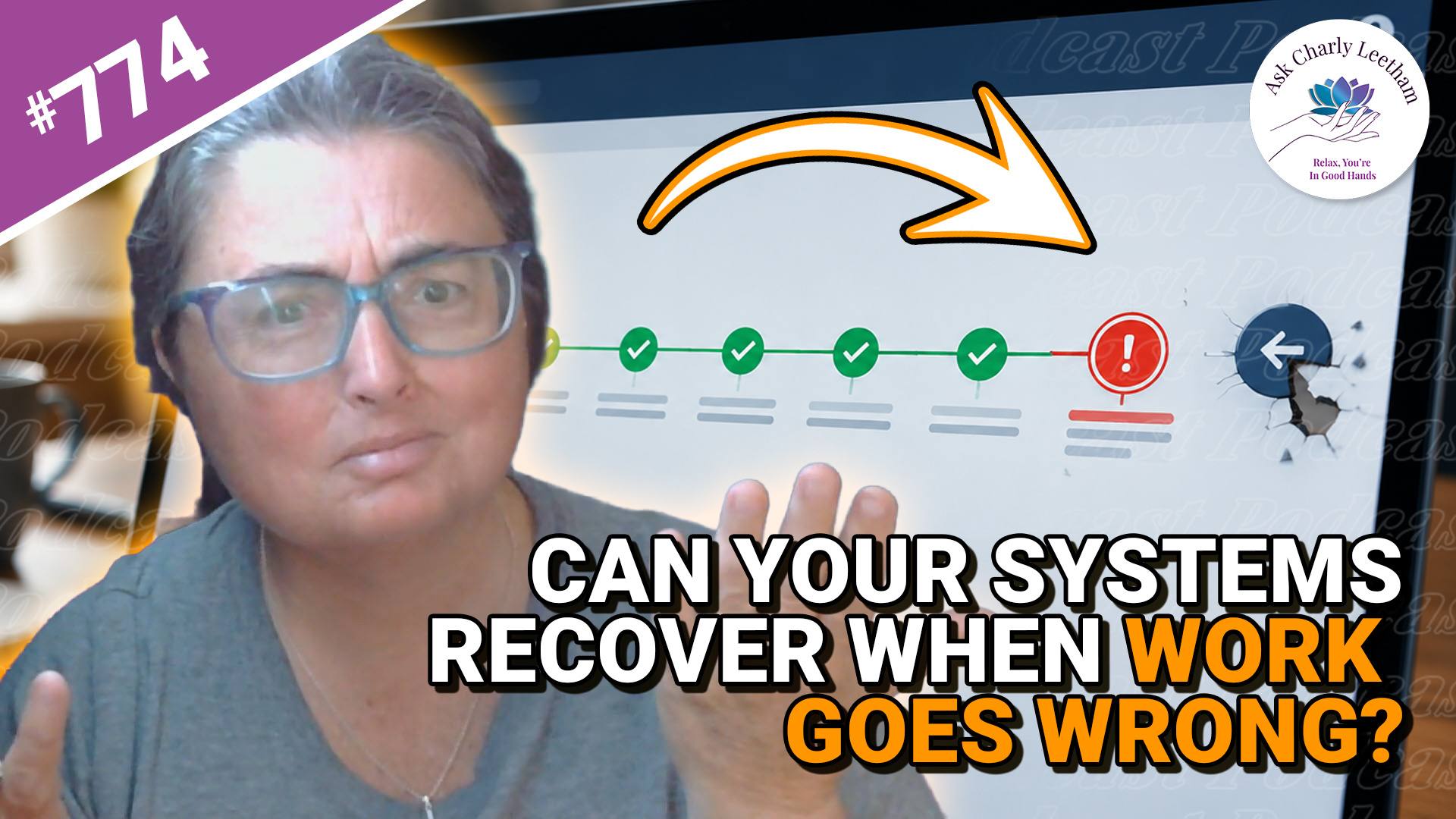
A system can handle routine work every day and still leave your business struggling when something goes wrong.
A duplicate payment, an unusual refund or a failed connection between systems can interrupt the usual process. That’s when you find out how much your technology can help your team recover:
✅ Why routine success can give you a false sense of reliability.
➡️ What staff need to know before they can finish interrupted work.
⚡ Why a single exception may take longer to fix than the original transaction.
⭐ Why rare problems can become a regular cost as the business grows.
Book a Free 30 minute Breakthrough Session: https://askcharlyleetham.com/book-me
(1 per person only)
Follow us:
Locals: https://askcharlyleetham.locals.com
Rumble: https://rumble.com/askcharlyleetham
Odyssey: https://odysee.com/@askcharlyleetham:4
YouTube: https://youtube.com/askcharlyleetham
Facebook: https://www.facebook.com/askcharlyleetham
Twitter: https://twitter.com/yourbizmgr
Instagram: ...

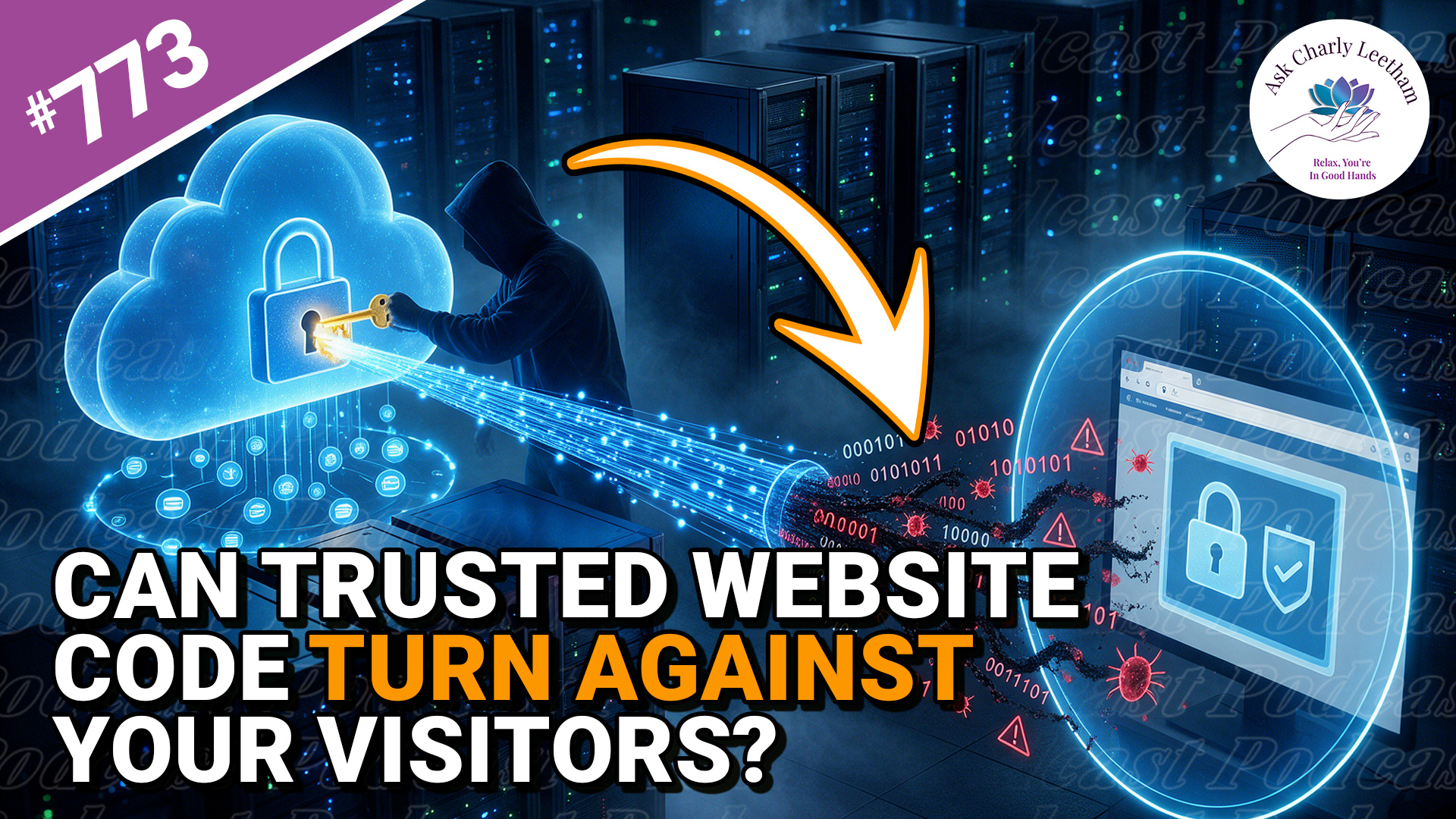
Your website can be secure, fully updated and working exactly as expected, while code from a trusted supplier puts your visitors at risk.
That’s what happened when an exposed API key allowed Brevo, the service behind marketing forms, website tracking and customer chat on more than 100,000 websites, to be compromised. Visitors loaded the attackers’ code directly into their browsers, and anyone logged into WordPress as an administrator faced an additional risk.
Charly discusses the compromise and what business owners should consider
✅ What do you do need to think about when a compromise occurs?
➡️ What you need to do if a supplier causes a compromise on your site?
⚡ Can you keep your website safe?
If your website uses externally provided apps, forms, chat, tracking or plugins, you’re trusting more than your own website security.
Book a Free 30 minute Breakthrough Session: https://askcharlyleetham.com/book-me
(1 per person only)
Follow us:
Locals: https://askcharlyleetham.locals.com
...
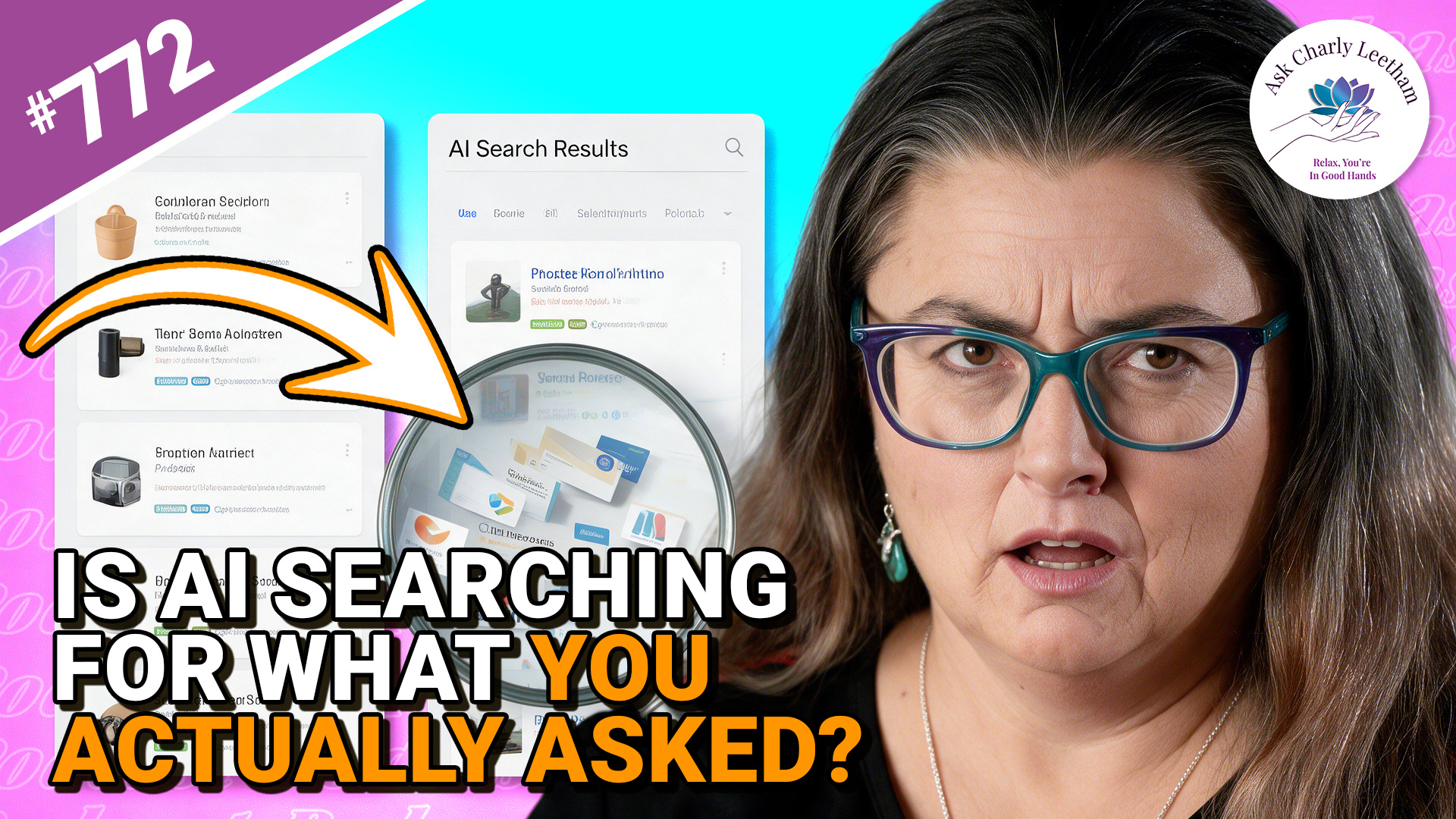
Do you use your AI Chat as a glorified search engine? Many of us do because it's an effective way to collate data and analyse it. What happens when you ask for information, your AI "interprets" the request differently and presents you with a confident answer?
That's what Charly discusses in todays episode.
✅ A confident answer can still be answering the wrong question
➡️ The shortlist may have been narrowed before you ever see it
⚡ Checking what the AI searched for can be as important as checking its answer
When you ask AI to search the web, how certain are you that it’s searching for what you asked? The answer may look convincing, yet the search behind it can take your request somewhere you never intended.
There's an interesting lesson here for Business Owners.
Book a Free 30 minute Breakthrough Session: https://askcharlyleetham.com/book-me
(1 per person only)
Follow us:
Locals: https://askcharlyleetham.locals.com
Rumble: https://rumble.com/askcharlyleetham
Odyssey: ...