
We assist small businesses to define and refine their processes, plan and build their web presence using current and emerging technologies.
We provide ongoing support and advice to assist businesses to
maintain and grow a crucial path to market and focus on growing your business

Can you "Find Balance in Entrepreneurship"?
Charly takes some time today to discuss the challenges of balancing entrepreneurship with personal life.
Learn strategies for setting boundaries, managing priorities, and maintaining well-being.
Life is busy and there's just so many things to remember. What tools do you use to help you keep on top of ALL the things?
It's easy to react or respond quickly to messages and the like. It's better to do that mindfully. That's why I try to Practice The Pause.
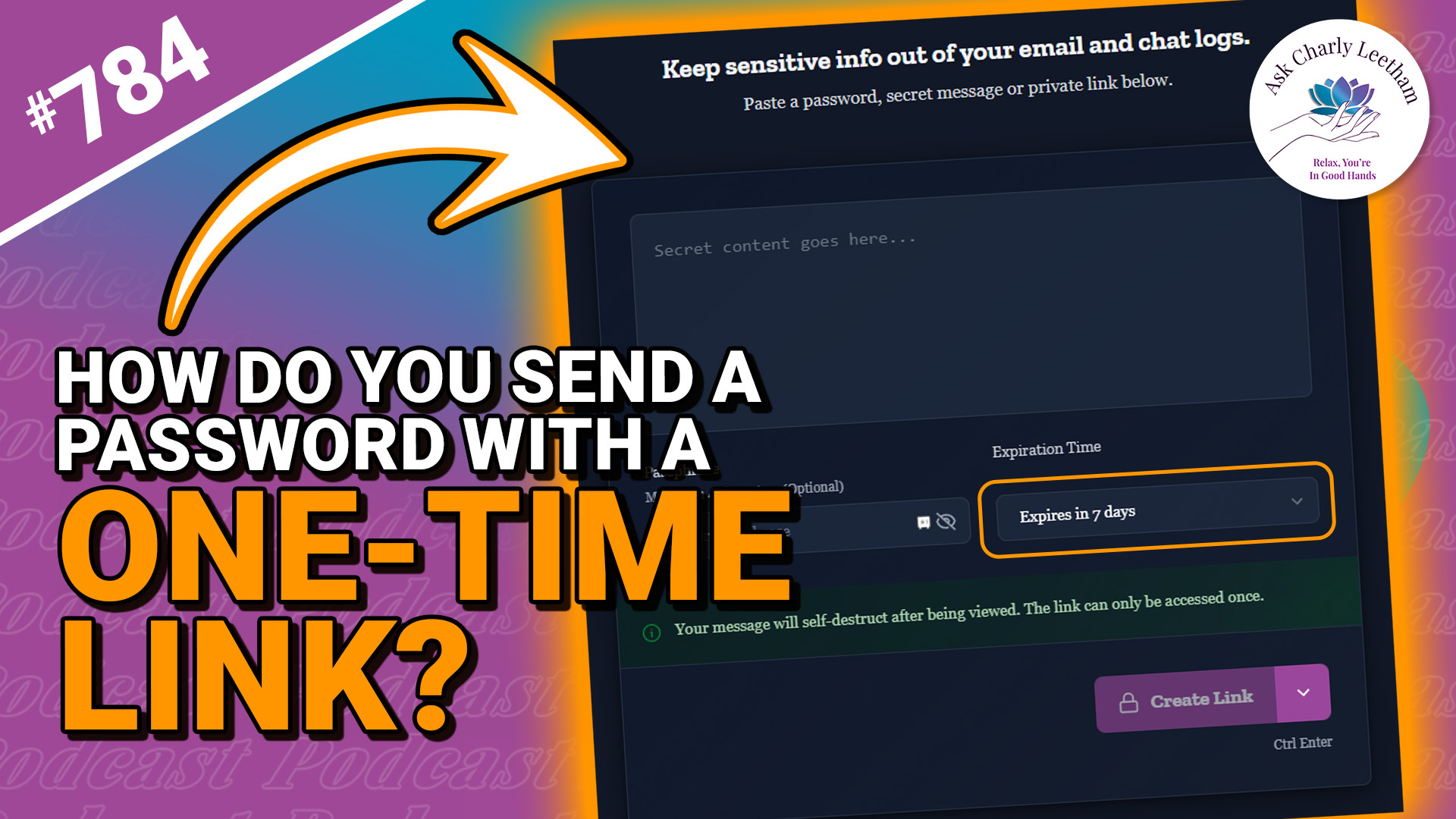
Password managers are useful for sharing login details, although a temporary password for a new account might not need a permanent home in one.
Sometimes the information isn’t a password at all, or the passcard’s sharing period doesn’t give the recipient enough time.
Charly’s new One Time Secret tool (thanks to onetimesecret.com) provides another way to share those details. This Walkthrough Wednesday puts it to work, with a look at:
✅ Where one-time sharing fits alongside your password manager.
➡️ How to share sensitive information you don’t want saved in a passcard.
⚡ Why one-time sharing isn’t just for passwords.
⭐ How to use One Time Secret, from creating a secret to opening the shared link.
If you need to pass sensitive details to a client or colleague, this walkthrough will help you decide whether One Time Secret suits the job.
What information do you need to share once, without keeping it on file?
One Time Secret: https://onetimesecret.askcharlyleetham.com/
Book a Free 30 minute...
There are many selling techniques that Small Business are encouraged to use that feel more like manipulation than anything else. As a result, sales often feels like a chore or something you'd rather someone else do.
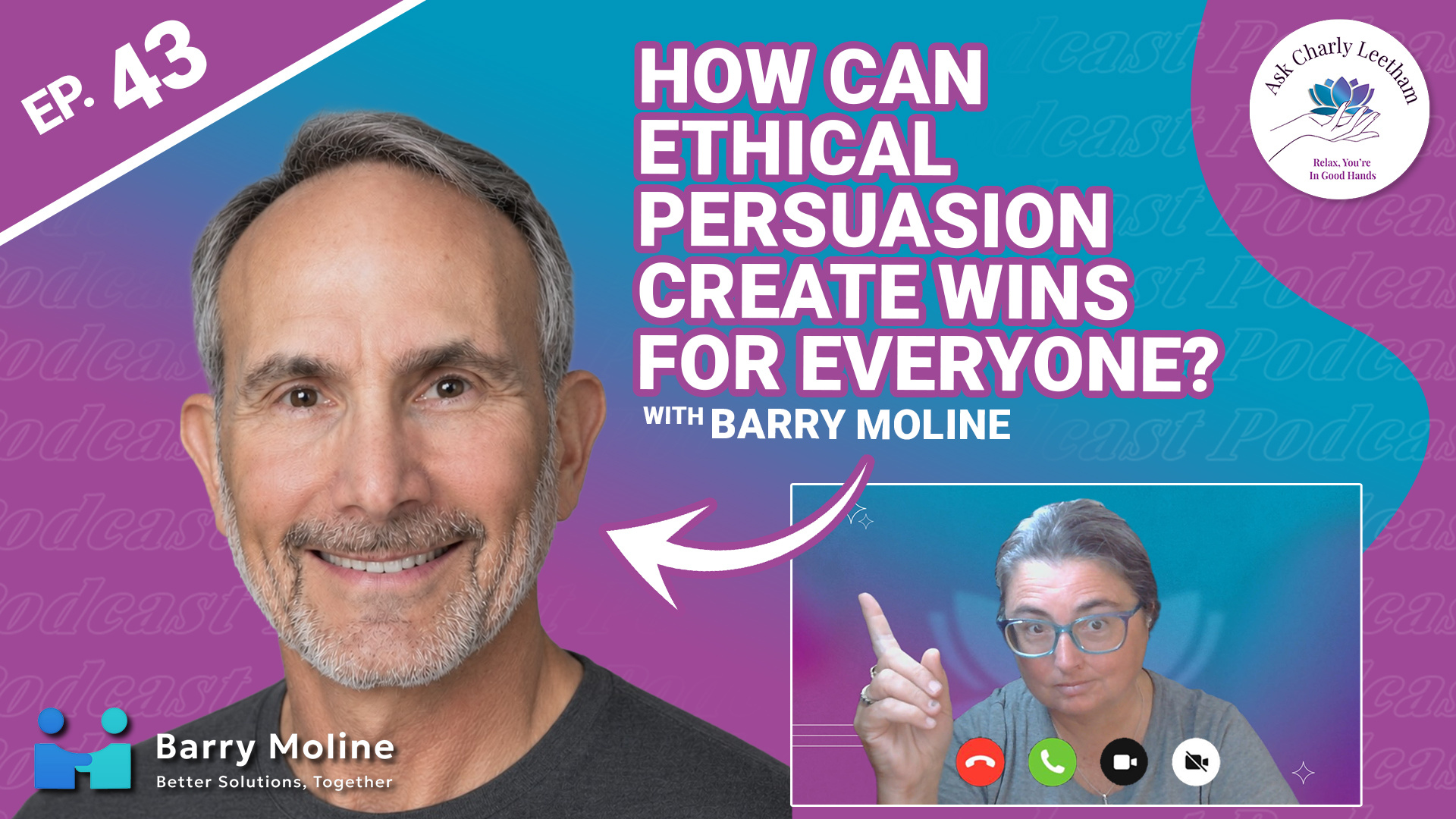
What if there was a way to make great sales and deliver Wins for everyone involved? All parties get something of value out of the transaction and want to work together more? It's possible and todays episode explores that.
Barry Moline is a longtime CEO with nearly three decades of experience leading teams and building organisational culture. His work with elected officials on behalf of trade associations taught him a lot about how persuasion plays a part in the process and how to use it ethically. He joins Charly to share how you can use ethical persuasion in your business to create wins for everyone involved:
✅ What does "Likeability" have to do with sales?
➡️ Does Authority and Testimonials really have an impact on the success of a sale?
⚡ Why Reciprocity is the key to a successful sale
⭐ ...
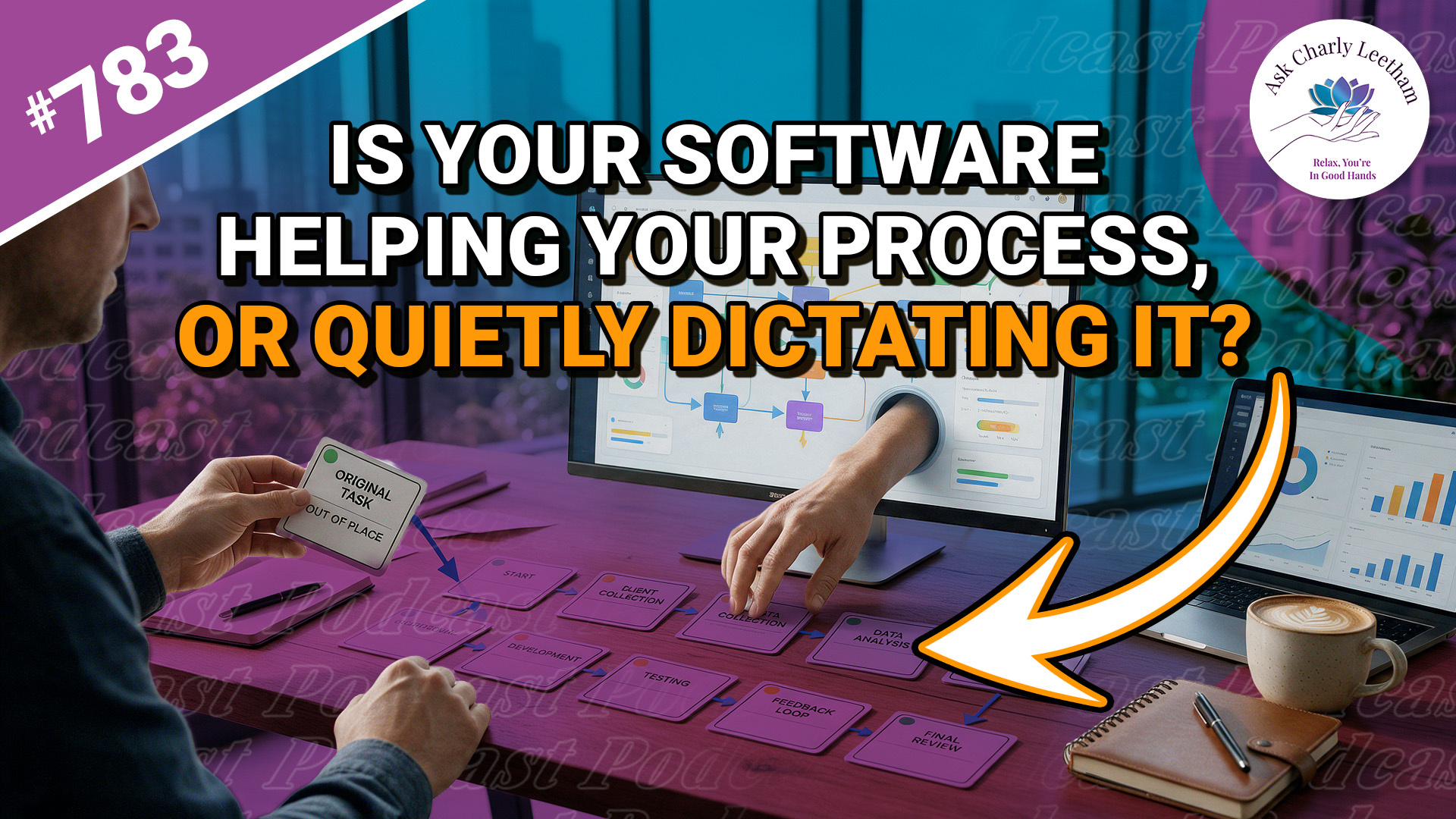
Is your software helping your business, or are you changing how you work to suit it? Default settings, updates and limitations can lead to changes in your processes that you never intended to make.
Sometimes changing the process is the right decision. Charly looks at how to make that call in today’s episode, including:
✅ Why your software can affect your processes
➡️ Why speeding up one step might negatively impact others
⚡ Whether you can access the information you enter
⭐ When it makes sense to change your process
Join Charly for today’s Mindset Monday to consider what you need from your software and how to judge whether it’s delivering for your business.
Where would you like your software to work differently?
Book a Free 30 minute Breakthrough Session: https://askcharlyleetham.com/book-me
(1 per person only)
Follow us:
Locals: https://askcharlyleetham.locals.com
Rumble: https://rumble.com/askcharlyleetham
Odyssey: https://odysee.com/@askcharlyleetham:4
YouTube: ...